Meeting format determines the alternative
Choose Google Meet for ordinary browser-based calls that can finish within an hour. Jitsi Meet offers open-source software and guest access after a moderator starts the room. Whereby provides a reusable room link, but its free meetings are shorter and smaller than Zoom’s. Keep paying for Zoom when cloud recording, webinars, admin controls, or established client expectations are the reason you use it.
Zoom’s group-call limit is only one constraint
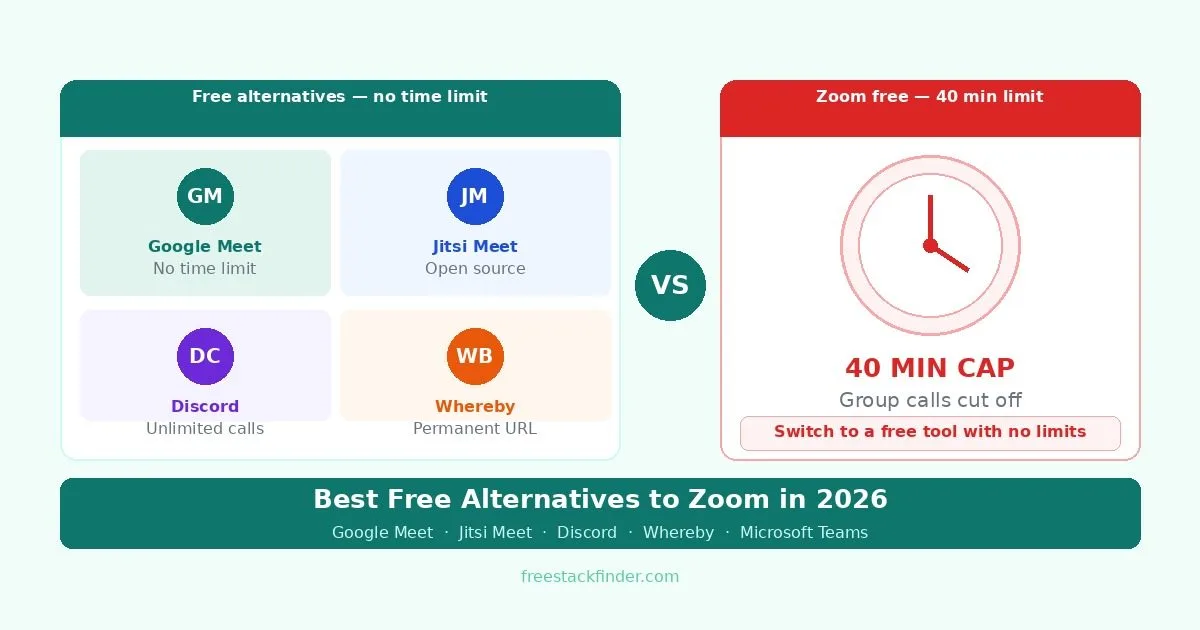
Zoom Basic applies a 40-minute limit to almost every meeting hosted by a free user, including one-to-one calls. That can interrupt team calls, study sessions, and client meetings unless the host upgrades or starts another meeting.
Zoom no longer requires the desktop download in every case. Its web app can host and join meetings in a supported browser, although a host or administrator can still control browser-join settings and Zoom recommends the desktop app for the fullest experience.
The alternatives therefore solve different problems. Google Meet and Teams extend a free group meeting to 60 minutes. Jitsi provides an open-source route and link-based guest access. Discord is built around persistent community channels. Whereby favors a reusable room over participant capacity.
The right replacement depends on the meeting pattern. A weekly client call needs a professional link and predictable browser access. A study group needs longer sessions and low setup. A community needs persistent voice and text channels. A class or webinar may need recording, moderation, and playback, which often pushes the decision back toward paid plans. Before moving a team, test one real meeting with screen sharing, guest access, and the device mix your participants use.
Five ways to replace Zoom
1. Google Meet: best free video calling for most users
Google Meet is Google’s browser-based video calling platform, free to anyone with a Google account.
Google Meet’s free tier covers many everyday calls:
- One-to-one calls up to 24 hours
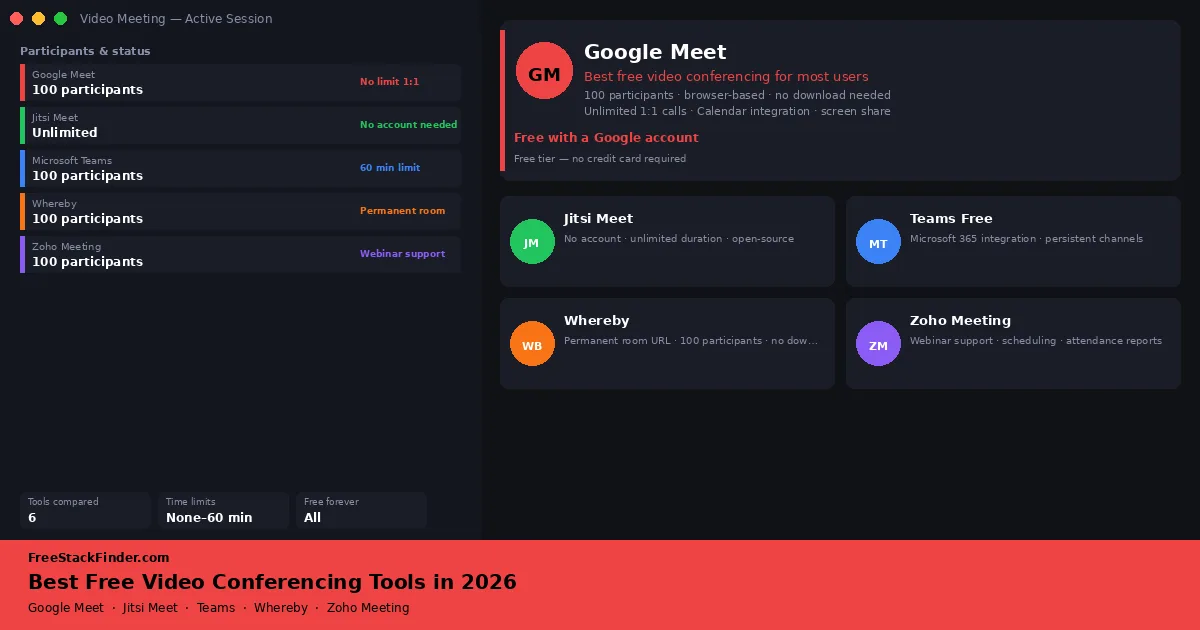
- Group calls up to 60 minutes with up to 100 participants
- Works entirely in the browser: no download required for host or participants
- Screen sharing, live captions, and background blur
- Built-in chat and reactions during calls
- Automatic meeting links when scheduling via Google Calendar
The limits appear when meetings become more formal:
- Cloud recording requires a Google Workspace paid plan
- Polls, Q&A, and breakout rooms are paid-only features
- Noise cancellation is limited on free accounts
Use it for student calls, client check-ins, family calls, and small work meetings where browser access and calendar links matter more than recording or webinar tools.
The practical advantage over Zoom Free is the longer allowance: one-to-one calls can run for 24 hours and group calls for 60 minutes. Guests can join from a browser, and Google Calendar can generate the meeting link when an event is scheduled. Google documents the current limits on its meeting-length page.
2. Jitsi Meet: open-source calls with link-based guest access
Jitsi Meet is an open-source, browser-based video calling platform that can also be self-hosted. The public meet.jit.si service requires the first participant to authenticate or wait for a moderator; people joining afterward can use the room link as guests.
Jitsi Meet keeps the entry barrier unusually low:
- No published fixed duration or participant allowance for the public hosted service
- Link-based guest access after an authenticated moderator starts the room
- Screen sharing, chat, hand raising, and reactions
- Self-hosting option for teams who want full data control
- Available in browser and as a mobile app
The free hosted version is best for smaller, lighter calls:
- Call quality can degrade with larger groups on the free hosted version
- No cloud recording on the free hosted service
- The first meet.jit.si participant must authenticate or wait for a moderator
- No built-in calendar integration
Pick Jitsi for spontaneous calls, privacy-conscious groups, developer teams, or meetings where asking every participant to create another account would slow things down.
Once a moderator has started a meet.jit.si room, guests can join from the shared link. Teams with server administration experience can also self-host Jitsi for more control, though that shifts maintenance onto the team. The Jitsi start guide explains the current moderator requirement.
3. Microsoft Teams free: best for users of Microsoft apps
Microsoft Teams free is Microsoft’s collaboration and video calling platform with a free tier covering core meeting and messaging features.
Teams Free gives Microsoft users more than a meeting room:
- Group video calls up to 60 minutes with up to 100 participants
- Unlimited chat and file sharing
- Screen sharing and background blur
- Integration with Microsoft 365 apps
- Available on Windows, macOS, iOS, and Android
The meeting-specific limits still matter:
- 60-minute group call limit, which is 20 minutes longer than Zoom Basic
- Meeting recordings require a Microsoft 365 subscription
- Admin and IT compliance features are paid-only
- More complex interface than alternatives for simple video calling
Use Teams when your group already shares files in OneDrive, works in Microsoft 365, or wants chat channels alongside calls. It is not the cleanest choice for a one-off guest call.
Teams Free is a broader collaboration platform with persistent chat channels, file sharing, and Office app integration. Its group calls stop at 60 minutes on the free plan.
4. Discord: best for informal teams and long-running calls
Discord is a voice, video, and text communication platform widely used by remote teams, study groups, and creator communities.
Discord’s free tier is built for ongoing group spaces:
- Persistent voice and video channels with no published duration cap
- Up to 25 video participants per call
- Persistent text channels, file sharing, and screen sharing
- Go Live streaming for channel members
- Available on Windows, macOS, Linux, iOS, and Android
It is less appropriate for formal meetings:
- Video quality capped at 720p on free (1080p requires Nitro)
- Not designed for formal business meetings: no calendar integration
- File upload size is limited on free accounts
- Interface can feel unfamiliar to users coming from traditional meeting tools
Pick Discord for remote teams with an informal culture, creator communities, study groups, and groups that want always-on voice or video without scheduling a meeting.
Discord fills a gap that Zoom and Google Meet do not address: persistent, always-available communication channels. Instead of scheduling meetings, teams drop into voice or video channels when they need to talk, the equivalent of walking over to someone’s desk. Discord is also a strong free alternative to Slack for team messaging, see our free Slack alternatives guide.
5. Whereby: best browser-based option for client-facing calls
Whereby is a browser-based video calling tool with a permanent room URL, designed for simple and professional client meetings.
Whereby’s free plan is deliberately small:
- One permanent meeting room with a custom URL (e.g. whereby.com/yourname)
- Up to 4 participants per meeting
- Meetings up to 30 minutes
- No download required for participants: join with one click
- Screen sharing and in-meeting chat
The limits are around meeting size and duration:
- Limited to one meeting room on the free plan
- Four participants and 30 minutes per meeting
- Recording requires a paid plan
- Breakout rooms and custom branding are paid features
Use Whereby if you are a freelancer, consultant, coach, or small business owner who wants one professional video link to put in a signature, invoice, or booking confirmation.
The permanent room URL is the reason to choose it. Instead of generating a new meeting link for every call, you can reuse the same address. Confirm the four-person and 30-minute limits on Whereby’s plan page before putting the room into a client workflow.
Compare call limits and guest access
| Tool | Time limit | Max participants | Download required? | Best for |
|---|---|---|---|---|
| Google Meet | 24 hours 1:1 / 60 min groups | 100 | ❌ None | Everyday browser calls |
| Jitsi Meet | No fixed public allowance | Not published | ❌ None | Open-source, guest links |
| Microsoft Teams | ⚠️ 60 min groups | 100 | ⚠️ Optional | Microsoft 365 users |
| Discord | No published duration cap | 25 video | ⚠️ Recommended | Informal teams, communities |
| Whereby | ⚠️ 30 minutes | 4 | ❌ None | Reusable small-call room |
| Zoom Basic | ⚠️ 40 minutes | 100 | ⚠️ Optional | Existing Zoom workflows |
When Zoom’s paid plan is worth it
Zoom’s paid plans make sense for organizations that need to manage large meetings: webinars with hundreds of attendees, cloud recording with automatic transcription, advanced admin controls, and IT compliance features. The Zoom Webinar product has no real free equivalent, and the paid tier is the right tool for businesses that run large virtual events regularly.
Teams that have standardised on Zoom and rely on its integrations with Salesforce, Slack, or enterprise software also have a genuine reason to keep paying. The switching cost of moving an entire team to a new platform outweighs the savings for most organizations, particularly when Zoom’s call quality and reliability at scale remain strong.
For individual professionals, the choice is simpler: if your clients expect a Zoom link and are unfamiliar with alternatives, asking them to switch may cost more in goodwill than the subscription saves. Using Zoom paid for client-facing calls while using Google Meet or Jitsi internally is a reasonable middle ground.
Also check recording before you switch. Many free plans handle live calls well but reserve recording, transcripts, and retention for paid tiers. If the meeting needs to be watched later, that feature may matter more than the call-length limit.
Match the room to the meeting
Use Google Meet for everyday calls, Jitsi Meet for an open-source room with guest links, and Whereby only when four participants and 30 minutes are enough for a reusable room. Zoom paid remains a fit for webinars, cloud recording, and managed meetings. Our broader free video conferencing guide also compares Zoho Meeting and Discord, while the free screen recording guide covers local recording and async walkthroughs.