Replacing Premiere means replacing the workflow around it: timeline habits, export behavior, plugins, and links to the rest of Adobe. Price is only part of the decision. A short-form template editor covers some of that workflow, and a professional editor with free-tier limits covers a different part.
Preserve the parts of Premiere your work depends on
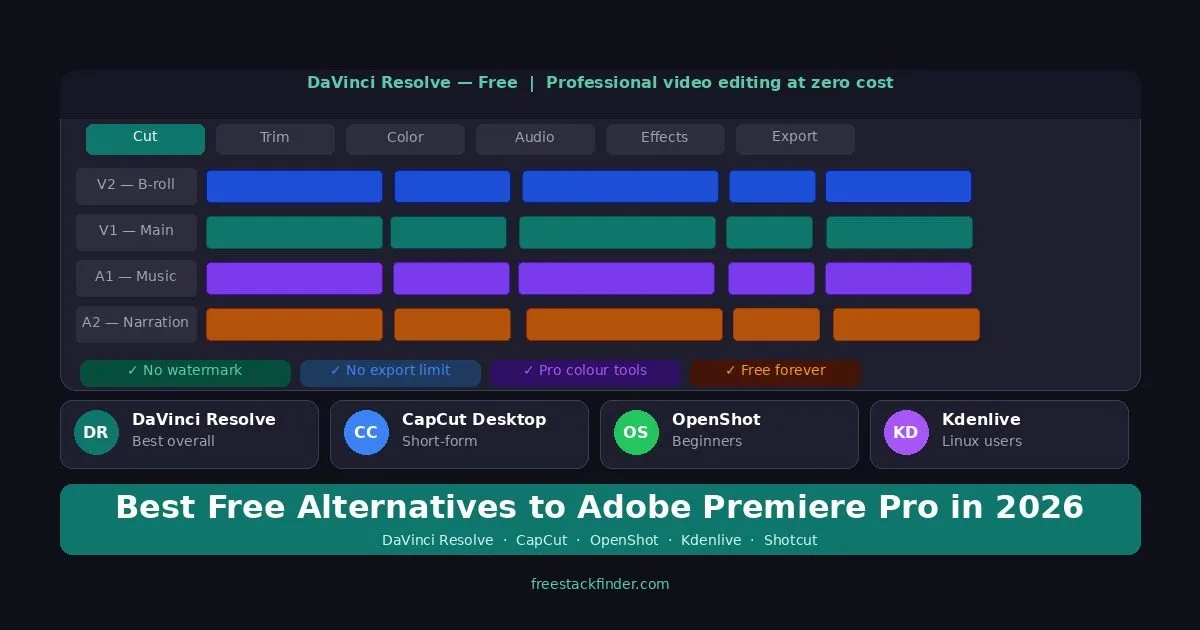
DaVinci Resolve is the first option to test when a solo editor needs timeline, color, audio, and effects tools in one application. Blackmagic frames the free version around common 8-bit formats up to 60fps at Ultra HD 3840 x 2160, while exact codec support varies by platform. CapCut Desktop targets short social output, and Kdenlive provides an open-source multi-track timeline.
Premiere Pro still makes sense if you depend heavily on After Effects, Photoshop handoffs, or large-team Adobe workflows.
Choose by workflow before brand familiarity. Timeline editing depth points to Resolve or Kdenlive. Fast templates, captions, and social exports point to CapCut. Unusual footage points to Shotcut. Professional handoff back into Adobe teams is where staying with Premiere can still be the easier choice.
Project files and plugins raise switching costs
Premiere users often depend on a wider Adobe workflow, including:
- Adobe keyboard habits
- After Effects handoffs
- Creative Cloud asset flow
- shared project conventions
That means a free alternative does not need to be “better than Premiere” in the abstract. It needs to be better for your specific work while keeping switching costs reasonable.
Five editors ordered by Premiere workflow fit
1. DaVinci Resolve: best overall replacement for serious solo editors
Resolve replaces Premiere’s editing and finishing in one application, with color, Fairlight audio, and Fusion effects beside the timeline.
In the free version:
- Full editing timeline
- High-end color tools
- Fairlight audio tools
- Fusion effects workflow
- No watermark exports
Blackmagic positions free Resolve around 8-bit formats up to 60fps in Ultra HD. Resolve Studio, the paid version, adds broader support for higher-end footage along with more effects and AI tools.
It suits solo editors replacing Premiere for YouTube, freelance, documentary, education, and small production work without a monthly Adobe subscription.
The learning curve is real because Resolve is not a Premiere clone. If representative footage imports and exports correctly and the team can absorb the interface change, it can replace much of a solo Premiere workflow.
Readers who never used Premiere will find a broader ranking in the free video editing software guide.
Download DaVinci Resolve free (opens in a new tab)
2. CapCut Desktop: best replacement for social-first Premiere users
CapCut replaces a different kind of Premiere use: short social videos where speed, captions, and templates matter more than editorial control.
The free desktop app covers:
- Fast timeline editing
- Auto-captions and short-form effects
- Easy desktop and mobile workflow
- Directly useful tools for TikTok, Reels, and Shorts style editing
According to CapCut’s help pages, a watermark depends on how the video is built and exported. Plain edits usually export clean, while templates, stock assets, or a default outro can add a watermark or an attribution requirement.
Creators who mainly cut short social videos may not need everything Premiere offers, and for them a faster short-form editor is the real replacement. Long-form professional handoff, plugin workflows, and complex post-production are beyond it.
Download CapCut Desktop free (opens in a new tab)
3. Kdenlive: best open-source timeline for former Premiere users
Kdenlive’s timeline is the closest of these to what a Premiere user already knows, because it avoids Resolve’s page-based structure.
In the open-source editor:
- Multi-track editing
- Proxy workflows
- Audio and color tools
- Strong Linux support and solid cross-platform availability
Where it lags:
- Its interface and workflow are rougher than Premiere or Resolve
- Windows users may still run into rough edges
- It has fewer plugins and learning resources
It suits editors who want a traditional multi-track timeline and open-source licensing more than Adobe’s smoother interface, and who do not need Resolve’s heavier post-production structure.
Download Kdenlive free (opens in a new tab)
4. OpenShot: best if your Premiere usage was always light
If Premiere was always more than the work required, OpenShot covers cuts, titles, transitions, and straightforward exports with far less to learn.
The basics it covers:
- Basic timeline editing
- Titles and transitions
- Cross-platform support
- No paid-feature baiting
Its ceiling:
- It tops out quickly on more demanding work
- Performance and interface smoothness are limited on heavier projects
- It is not built to mirror a professional Premiere workflow
For a casual editor, a simpler tool can be the right replacement rather than a different professional editor.
Download OpenShot free (opens in a new tab)
5. Shotcut: best as a format rescue option
Shotcut is the rescue option for footage that other free editors refuse to import cleanly.
What it offers:
- Wide format support
- Multi-track editing
- Cross-platform use
- Basic correction and effects tools
The cost:
- The interface is not especially friendly
- It has fewer workflow refinements than Kdenlive and a narrower toolset than Resolve
- It is a utility pick for problem footage rather than a daily editor
Download Shotcut free (opens in a new tab)
Compare timeline, color, and platform support
| Editor | Best replacement use case | Main caveat |
|---|---|---|
| DaVinci Resolve | Serious solo editing and finishing | Free version has real format limits |
| CapCut Desktop | Short-form social content | Watermarks depend on templates, assets, and outro choices |
| Kdenlive | Open-source timeline editing | More setup and a harder interface than commercial editors |
| OpenShot | Casual editing and basic projects | Limited ceiling |
| Shotcut | Footage compatibility problems | Harder workflow to learn |
Who should not switch from Premiere Pro
Switching away from Premiere is not always cheaper. Readers who depend on Adobe handoffs, team projects, or Premiere-only plugins may save more time by renewing Creative Cloud.
You depend on After Effects Dynamic Link. If your projects routinely move between Premiere and After Effects with live linked compositions, no free editor reproduces that round-trip. DaVinci Resolve has Fusion built in, but it is not a drop-in replacement for an established AE pipeline: your motion-graphics templates, expressions, and shared project conventions don’t migrate. Recreating a year of AE habits to save Adobe’s monthly bill is rarely worthwhile if you are billing client work against it.
Your camera codec sits outside Resolve Free’s support table. Blackmagic positions the free version around common 8-bit formats up to UHD 60fps, but actual import and export support varies by operating system, codec, container, bit depth, and hardware. Some 10-bit formats work in particular configurations and others require Studio. Test files from the camera before committing a project to either version.
You work inside an agency or shared-team Premiere environment. Project files, shared bins, locked-down asset paths, producer review tools, and team-wide keyboard customizations are real switching costs. If your collaborators are in Premiere, handing over a Resolve project will add work to every delivery cycle. The right time to leave is when you control the whole pipeline, not when you share it.
You rely on a specific set of paid plugins. Pluraleyes, Magic Bullet, Red Giant Universe, and several Premiere-only motion graphics packs are still part of many editors’ daily workflow. Free Resolve and Kdenlive cover a lot, but they don’t load Adobe-targeted plugins, and the closest equivalents may be paid Resolve Studio features rather than free ones.
You’re a colorist with a specific HDR or Dolby Vision delivery requirement. Free Resolve supports ACES color management, so ACES alone is not a reason to buy Studio. Particular HDR mastering, monitoring, and delivery tools may be. Compare the current Resolve versions against the required deliverable before choosing.
Your billing model already absorbs the cost. For client work, the migration time, plugin replacements, and file-handoff risk can cost more than the subscription. Estimate those costs from one representative project before switching the whole workflow.
When Premiere Pro remains the better fit
Premiere Pro is still worth paying for if your workflow depends heavily on:
- After Effects Dynamic Link
- Photoshop and Audition round-tripping
- larger Adobe-based production teams
- client or agency environments built around Creative Cloud
If you are editing solo and delivering standard web video, those reasons usually matter less than older Adobe habits make them seem.
The subscription adds up over time in a way the one-time licenses do not. Three years of each option, from US prices in September 2026:
| Option | How it is sold | Price | Three-year cost |
|---|---|---|---|
| Adobe Premiere | Annual plan billed monthly | $22.99 a month | About $828 |
| Adobe Creative Cloud Pro | Annual plan billed monthly | $69.99 a month after any introductory discount | About $2,520 |
| DaVinci Resolve Studio | One-time license | $295 | $295 |
| Final Cut Pro on Mac | One-time purchase, or Apple Creator Studio | $299.99, or $129 a year | $299.99, or $387 |
| CapCut Pro | Yearly or monthly subscription | $179.99 a year, or $19.99 a month | About $540 on the yearly plan |
| Kdenlive, OpenShot, Shotcut | Open source | Free | $0 |
These are US prices before tax. Adobe and CapCut both charge different amounts by country, and CapCut’s price also changes between its mobile, desktop, and web apps. The free version of Resolve is the usual first test; Studio becomes worth its one-time price when a codec, frame rate, or Neural Engine tool from the table above is part of regular work.
Resolve for depth, Kdenlive for open-source workflows
Leave Premiere between projects rather than in the middle of one. Finish active work where it started, then run the next project in DaVinci Resolve or Kdenlive from import to delivery, which shows whether the formats, exports, and interface hold up under a real deadline.
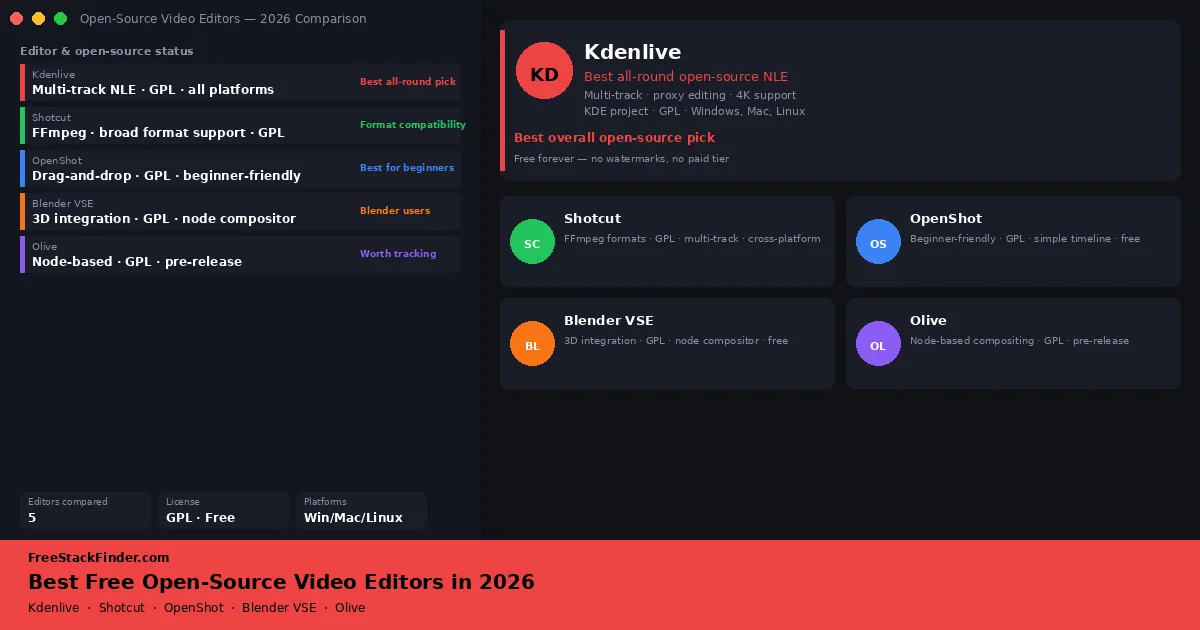
Tutorials and demos usually start in a recorder, compared in the free screen recording software guide. Mac users leaving Premiere can start with iMovie, covered with Apple Silicon and codec notes in the free video editing software for Mac guide, while Kdenlive, Shotcut, OpenShot, and Blender VSE get fuller profiles in the free open-source video editors guide.