Free video editors split into different classes: deep post-production suites, short-form social apps, beginner timelines, and open-source tools with broader format support. Watermark rules, 10-bit footage, hardware demands, and output format decide which class fits.
Footage and output requirements narrow the list
Use DaVinci Resolve for long-form YouTube or client work when the footage and computer fit its requirements. CapCut fits short social clips. OpenShot covers a first basic edit. Kdenlive provides an open-source multi-track timeline with proxy editing. Keep Shotcut for source formats that fail elsewhere.
DaVinci Resolve has the deepest editing, color, audio, and effects toolset here, but Blackmagic frames the free version around virtually all 8-bit formats up to 60fps at Ultra HD 3840 x 2160. CapCut Desktop trades that depth for captions, templates, and short-form output. OpenShot is narrower and easier to learn. Kdenlive adds proxy editing and a fuller open-source timeline, while Shotcut is the compatibility fallback.
| Tool | Best for | Free plan | Main limitation |
|---|---|---|---|
| DaVinci Resolve | Depth, color, serious editing | Full timeline, color, audio: no watermark | Demanding on hardware; format limits apply on free tier |
| CapCut Desktop | Short-form social content | Fast editing, auto-captions, social templates | Watermark possible with stock templates and assets |
| OpenShot | First-time editors | Drag-and-drop, fully open-source, cross-platform | Limited depth; slower on heavier projects |
| Kdenlive | Open-source middle ground | Multi-track timeline, proxy editing, cross-platform | More setup and a harder interface than commercial editors |
| Shotcut | Problem source formats | Broad format support, open-source, cross-platform | Editing workflow is harder to learn |
What this comparison focuses on
This ranking focuses on published free-tier limits and workflow fit. Performance varies with hardware and source footage, so check an editor with a representative clip before moving a real project.
Watermarks and conditional export rules. A clean export can depend on whether you used a stock asset, template, or default outro. CapCut can export plain edits without a watermark, but some template-led workflows can add one. Confirm the export path you plan to use before building a repeatable workflow around it.
Format and codec support. HEVC from an iPhone, AV1 from a webcam capture, 10-bit Log footage, and OBS recordings do not place the same demands on an editor. Blackmagic’s published limits for free Resolve are especially relevant here: the free version is positioned around virtually all 8-bit formats up to UHD at 60fps.
Learning overhead. OpenShot asks less of a first-time editor. Resolve offers much more depth, but learning its editing, color, audio, and effects pages takes time. That difference matters when the immediate job is a basic cut and export.
Hardware requirements. Resolve is demanding compared with OpenShot or Shotcut. A free license does not help if the editor runs poorly on the computer you already own, so check current system requirements and use proxy media when the editor supports it.
Where the paid tier begins. Resolve Studio reserves several effects, AI features, and higher-end format support for paying users. This guide keeps those boundaries visible instead of treating the product’s full feature list as part of the free version.
Review-aggregator scores and tutorial counts are not ranking factors here because they measure popularity more readily than fit. Match the editor to the footage, output, hardware, and setup you can support.
Five editors from quick cuts to finishing
1. DaVinci Resolve: best for depth and professional growth
Best for depthDaVinci Resolve is Blackmagic Design’s all-in-one editor for editing, color, audio, effects, and finishing.
What the free version includes:
- Full editing timeline
- Strong color grading tools
- Fairlight audio tools
- Fusion effects workflow
- No watermark on exports
What to watch for:
- The free version is not unlimited in format support
- Blackmagic currently positions the free tier around virtually all 8-bit formats up to 60fps in Ultra HD
- Studio adds AI tools, more effects, and broader support for higher-end footage
Choose Resolve for: Long-form edits, detailed color work, multi-track audio, and projects that need room to grow.
Resolve combines editing, color, Fairlight audio, and Fusion effects in one project. Skip it when the footage exceeds the free format limits or the computer cannot play the timeline reliably, because a deeper toolset does not compensate for an unusable edit.
If you are specifically trying to replace Adobe’s editor, see our full Premiere Pro alternatives guide.
Download DaVinci Resolve free ->
2. CapCut Desktop: best for short-form social content
Best for social contentCapCut Desktop is ByteDance’s editor for short social video, templates, captions, and quick turnaround publishing.
What the free version includes:
- Fast timeline editing
- Auto-captions
- Social-friendly effects and presets
- Desktop and mobile support
- Easy short-form workflow
What to watch for:
- CapCut’s help pages describe more conditional watermark rules than many older reviews suggest
- Standard editing exports are usually clean, but templates, stock assets, or a default outro can add a watermark or attribution requirement
- It is much weaker than Resolve for longer, more deliberate editing
Choose CapCut for: TikTok, Reels, Shorts, talking-head clips, captions, and template-led social output.
CapCut puts captions, social presets, effects, and short-form templates close to the timeline. Its watermark rules can depend on the template, stock asset, or outro, and its long-form controls are thinner than Resolve’s.
Download CapCut Desktop free ->
3. OpenShot: best for true beginners
Best for beginnersOpenShot is a simple open-source editor for basic cuts, titles, music, and exports.
What the free version includes:
- Drag-and-drop editing
- Simple transitions and effects
- Cross-platform support
- No paid tier pressure
What to watch for:
- Audio, color, and effects controls are limited compared with Resolve or Kdenlive
- Heavy projects and 4K footage can feel sluggish
- Audio and color work are basic
Choose OpenShot for: A first edit built from cuts, titles, music, transitions, and a straightforward export.
OpenShot exposes fewer controls than Resolve or Kdenlive, which shortens the learning path but also limits heavier projects and detailed finishing.
4. Kdenlive: best open-source middle ground
Kdenlive is an open-source timeline editor with multi-track editing, proxy workflows, and more control than OpenShot without Resolve’s page-based structure.
What the free version includes:
- Multi-track timeline
- Proxy editing
- Solid audio and color tools
- Good platform support, especially on Linux
What to watch for:
- The interface requires more setup than most commercial editors
- It can still feel rough in places on Windows
- It does not have CapCut’s speed or Resolve’s ceiling
Choose Kdenlive for: An open-source multi-track timeline with proxy editing, especially on Linux.
Kdenlive adds proxy editing, multi-track control, and broader audio and color tools without Resolve’s page-based workflow. Its interface and Windows setup require more adjustment than a commercial editor.
5. Shotcut: best when file imports are the main problem
Shotcut is an open-source editor that is especially useful for older, mixed, or stubborn source formats.
What the free version includes:
- Broad format support
- Multi-track editing
- Basic effects and correction tools
- Free cross-platform use
What to watch for:
- The interface is harder to learn than the other options here
- Editing speed and interface smoothness are not its strengths
- You pick Shotcut for compatibility, not elegance
Choose Shotcut for: Older, mixed, or unusual source formats that another editor will not import cleanly.
Shotcut accepts many source formats. Its interface and editing workflow are the tradeoff, so use it when compatibility matters more than a smooth timeline.
When a paid editor is worth it
Paid editing software still makes sense when:
- your footage regularly exceeds the limits of free tiers
- you need advanced motion graphics and tighter Adobe workflows
- you edit for clients and time savings matter more than license cost
- you need stronger collaboration tools
For some users, the better paid path is DaVinci Resolve Studio, which keeps the same basic workflow and adds the higher-end features Blackmagic reserves for paid users.
Match the editor to the project
Start with DaVinci Resolve for deeper post-production, CapCut Desktop for short-form social output, OpenShot for a first basic edit, Kdenlive for an open-source multi-track workflow, or Shotcut when import compatibility is the deciding problem.
If you need to record before you edit, pair this list with our guide to free screen recording software. OBS Studio records locally without a watermark, and Resolve can handle the edit when the recording format matches its free-tier limits.
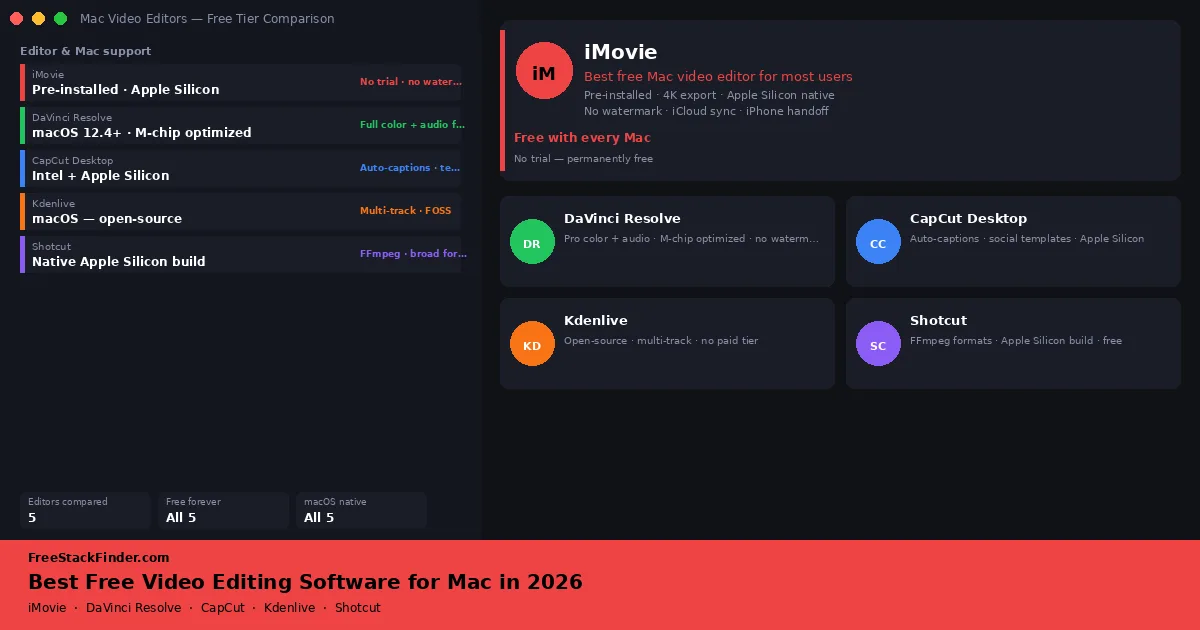
If you are on a Mac and want platform-specific guidance, including iMovie, Apple Silicon performance notes, and macOS codec considerations, see our free video editing software for Mac guide.
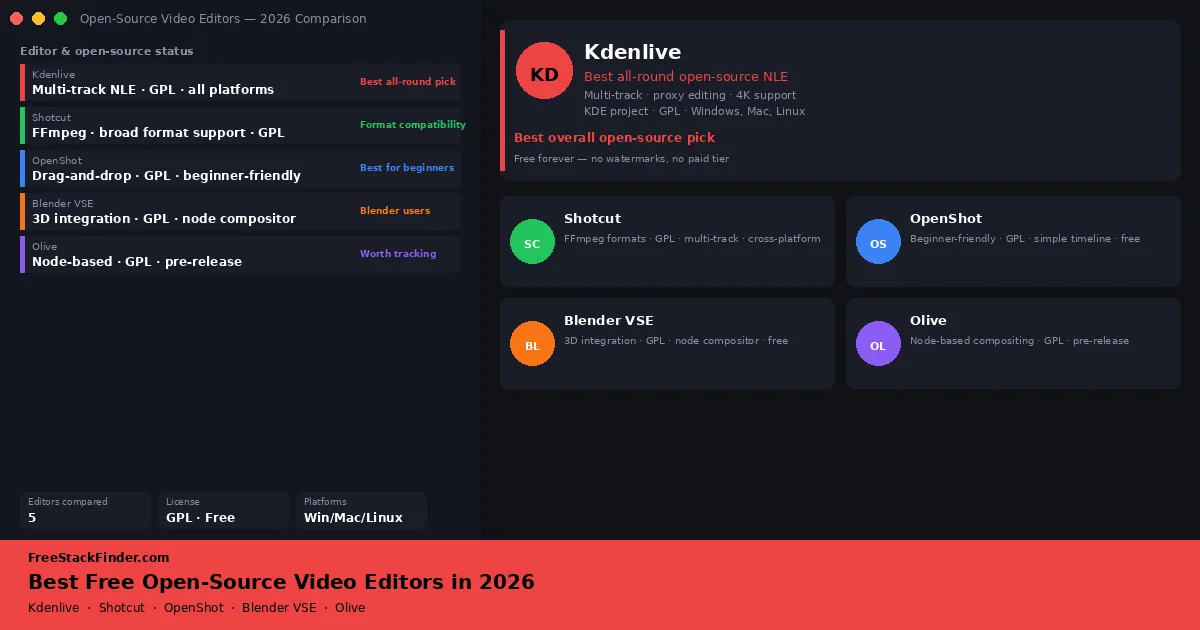
If you want tools with public source code and open licenses instead of vendor-controlled free tiers, see our dedicated guide to free open-source video editors.