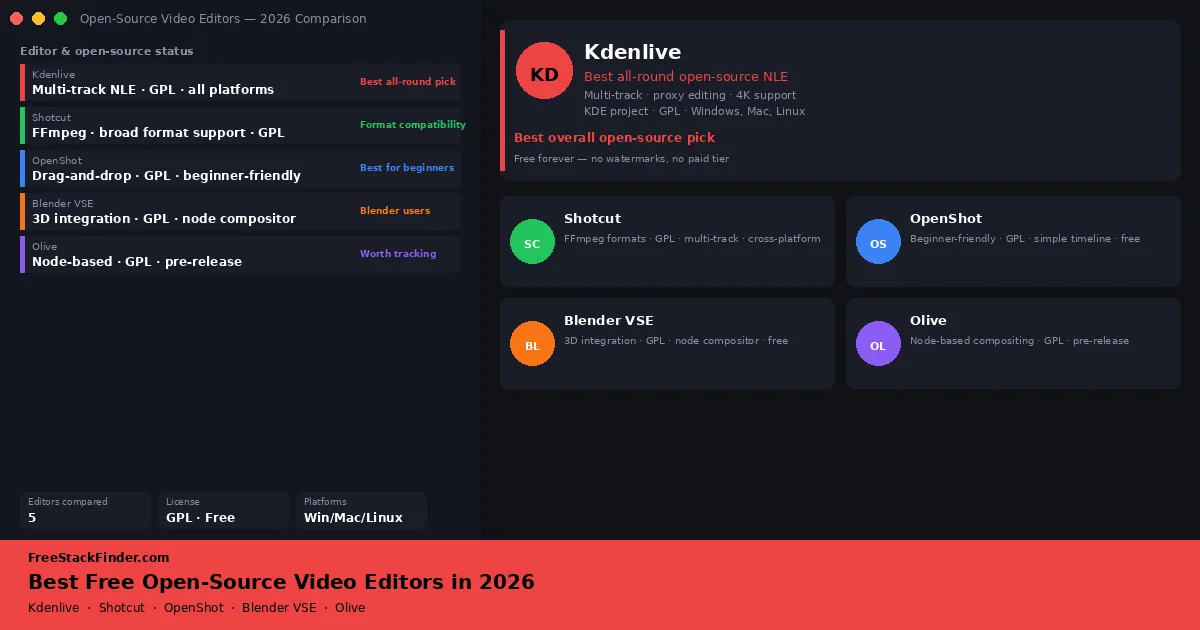
Open-source video editors in 2026: five practical options
Choose an open-source video editor by timeline workflow, format support, hardware demands, operating system, and project fit.
Free alternatives to Adobe Premiere Pro, Final Cut Pro, Loom, Zoom, and other video tools: compared by free-plan limits and workflow fit.
Editing, screen recording, and video calls fail for different reasons on free plans. These guides put export caps, watermarks, meeting limits, codec support, and hardware demands beside each recommendation.
Where to start
We compare published free-plan limits and note where an upgrade becomes necessary. Page dates change when we materially revise the guidance. How we evaluate · Affiliate disclosure · Report outdated info
7 guides in this category
Choose an open-source video editor by timeline workflow, format support, hardware demands, operating system, and project fit.
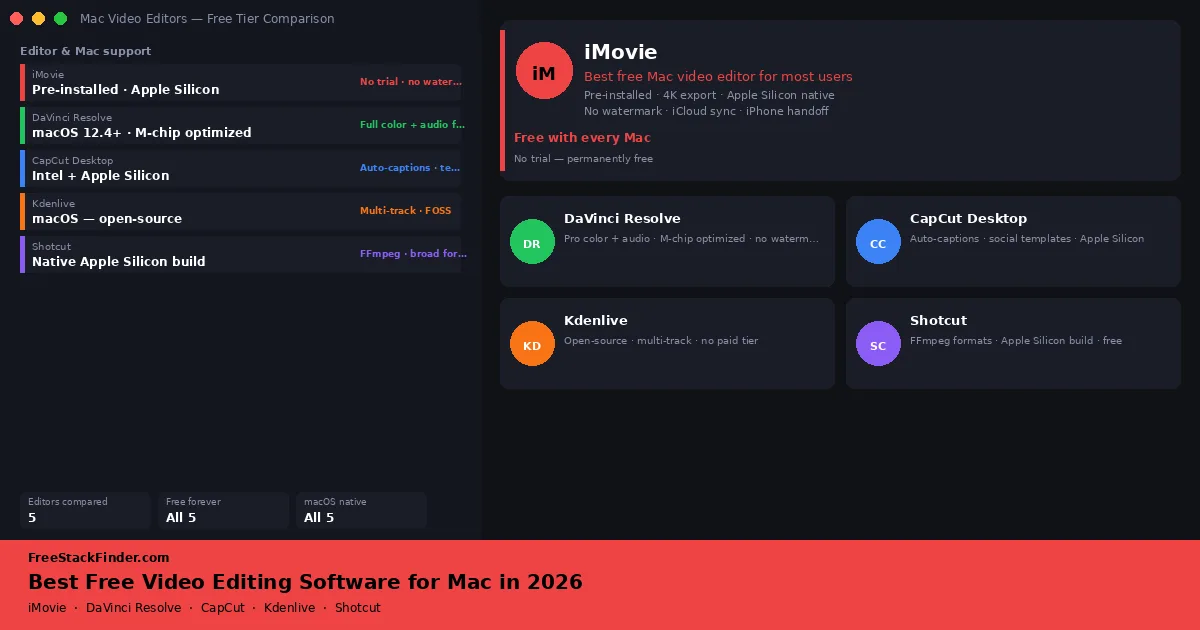
Choose among iMovie, DaVinci Resolve, CapCut, Kdenlive, and Shotcut by project complexity, hardware, and output.
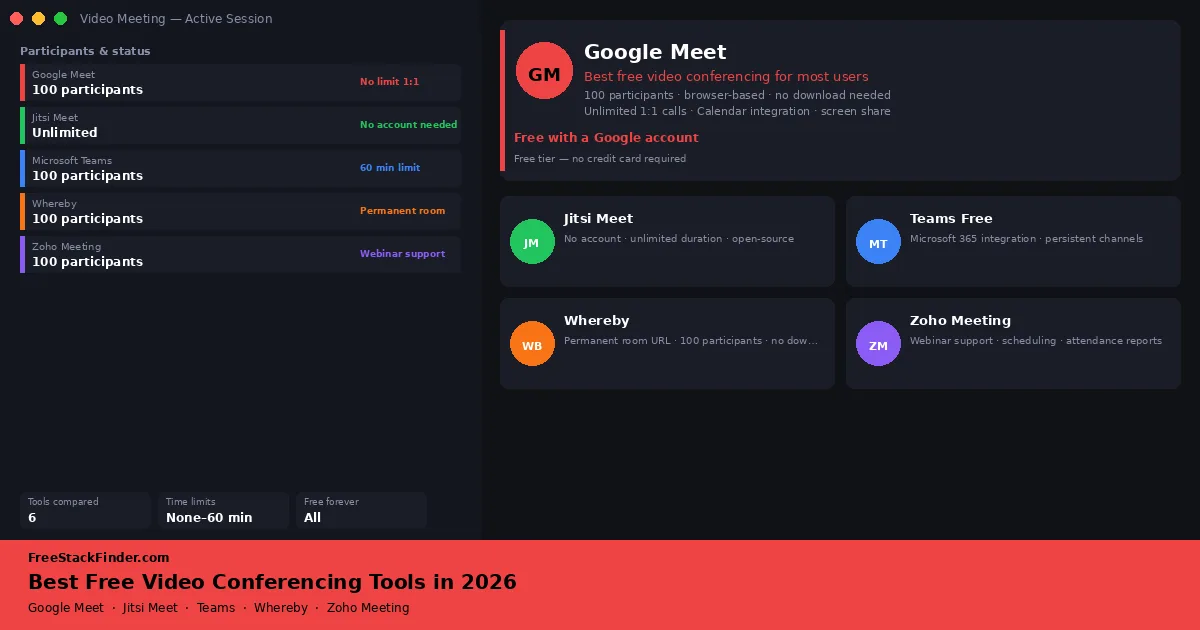
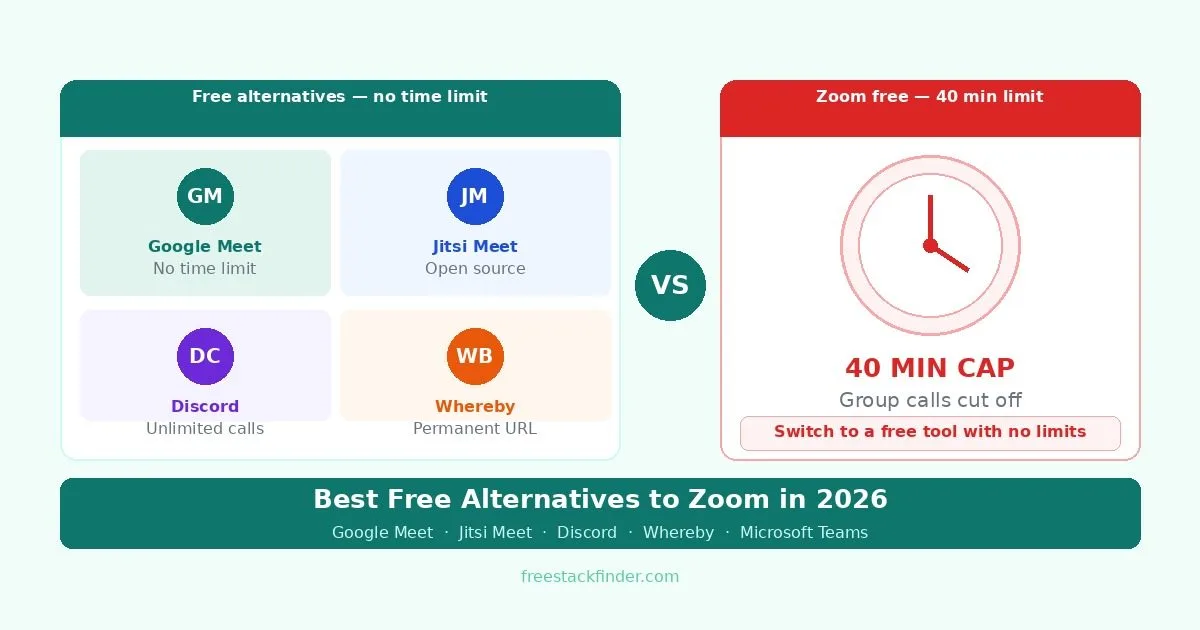
Choose a free meeting tool for remote teams, client calls, or classrooms by call length, participant cap, account rules, and moderation.
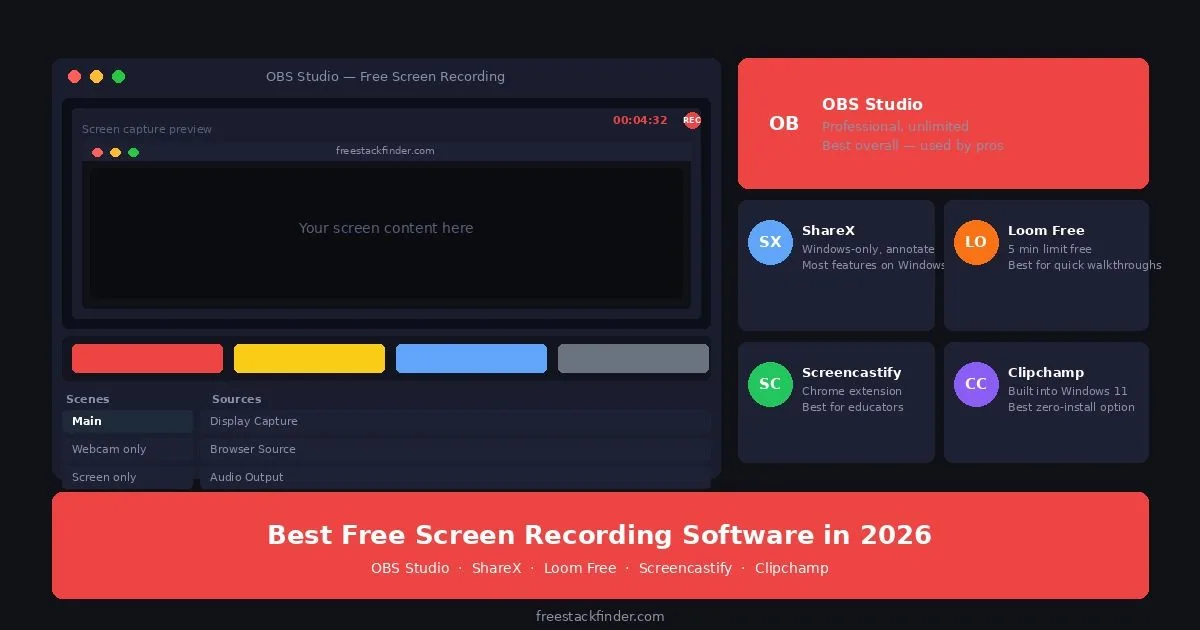
Choose a screen recorder by recording length, watermark policy, sharing workflow, operating system, and editing needs.
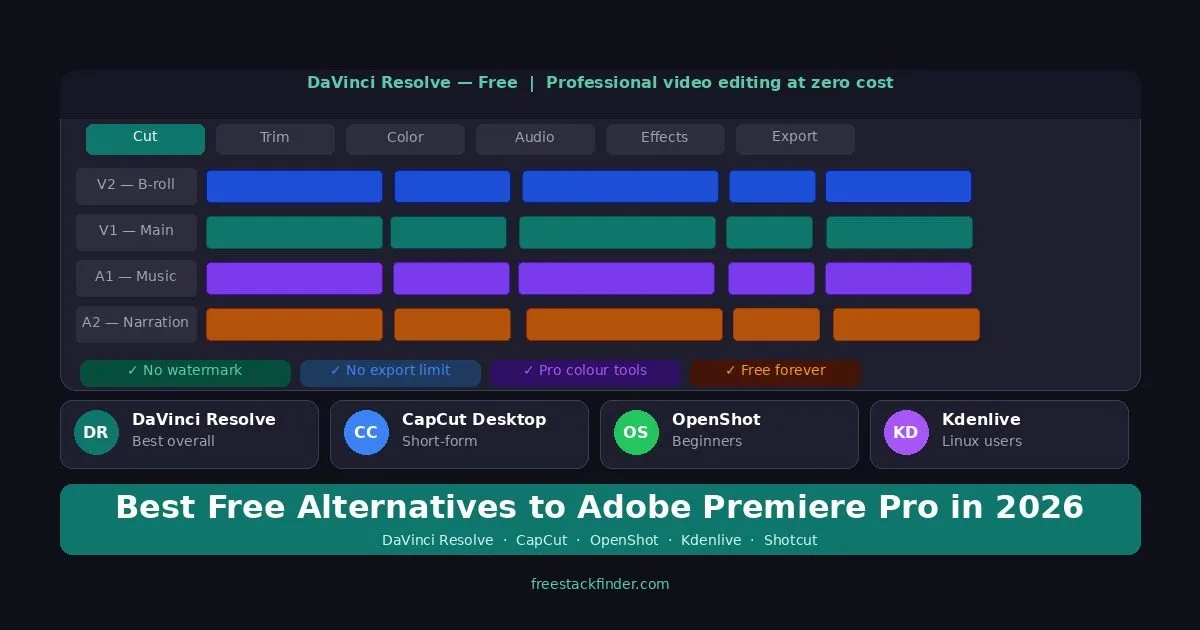
Choose a Premiere Pro alternative by timeline workflow, color tools, captions, format support, and project complexity.
Choose a Zoom alternative for longer meetings, account-free guest access, Microsoft collaboration, persistent rooms, or community calls.
Choose a free video editor by format support, watermark policy, learning curve, hardware demands, and intended output.