Sync or local control changes the answer
Bitwarden provides unlimited-device sync on a free cloud account. KeePassXC keeps the vault in a local encrypted file and leaves synchronization to you. Paid plans start to make sense for family sharing, business controls, integrated TOTP codes, emergency access, or file attachments. Bitwarden’s free plan already supports FIDO2 WebAuthn security keys for protecting the vault.
The practical decision is device sync first, sharing second, and advanced recovery features third. A password manager you can use on both phone and laptop will protect more accounts than a prettier tool that logs you out constantly. Family and team use changes the equation because shared vaults, emergency access, role controls, and onboarding/offboarding become more important than a solo user’s interface preference. Passkey support is also evolving quickly, so treat it as a feature to verify before committing if passkeys are central to your login workflow.
| Tool | Best for | Free plan | Main limitation |
|---|---|---|---|
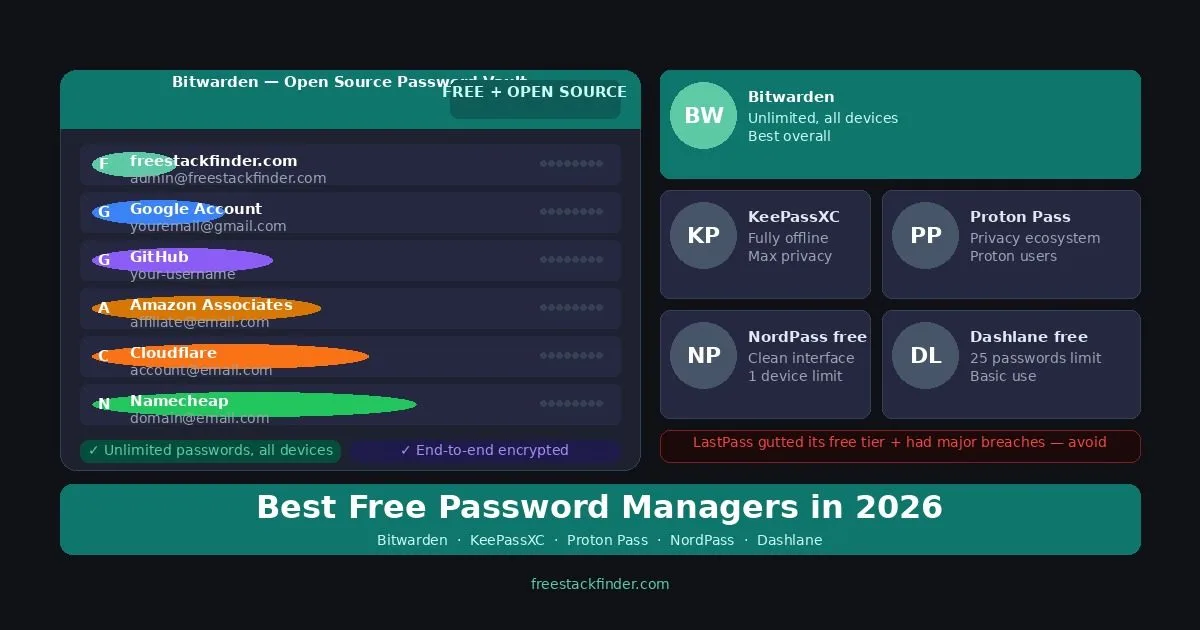
| Bitwarden | Most users: best overall | Unlimited passwords, unlimited devices, open-source | Integrated TOTP, emergency access, and file attachments require Premium |
| KeePassXC | Zero cloud, maximum privacy | Unlimited local vault, fully open-source, no registration | No official mobile app; sync requires manual file management |
| Proton Pass | Proton app users | Unlimited logins and devices, 10 email aliases | Integrated TOTP and sharing require a paid plan |
| NordPass | Single device, clean interface | Unlimited passwords, guided apps | Only one active device at a time on free |
Sync and recovery are plan features
A password manager can generate and store a unique password for each site, reducing the damage caused when one site’s credentials leak. It does not remove every account risk, so the vault still needs a strong master password, multi-factor authentication, and a recovery plan.
Several free plans cover routine individual use. Bitwarden publishes its source code and links its third-party security assessments. Paying is still reasonable when sharing, emergency access, file attachments, or support solves a real need.
Four free vaults with different recovery models
1. Bitwarden: best free password manager for most users
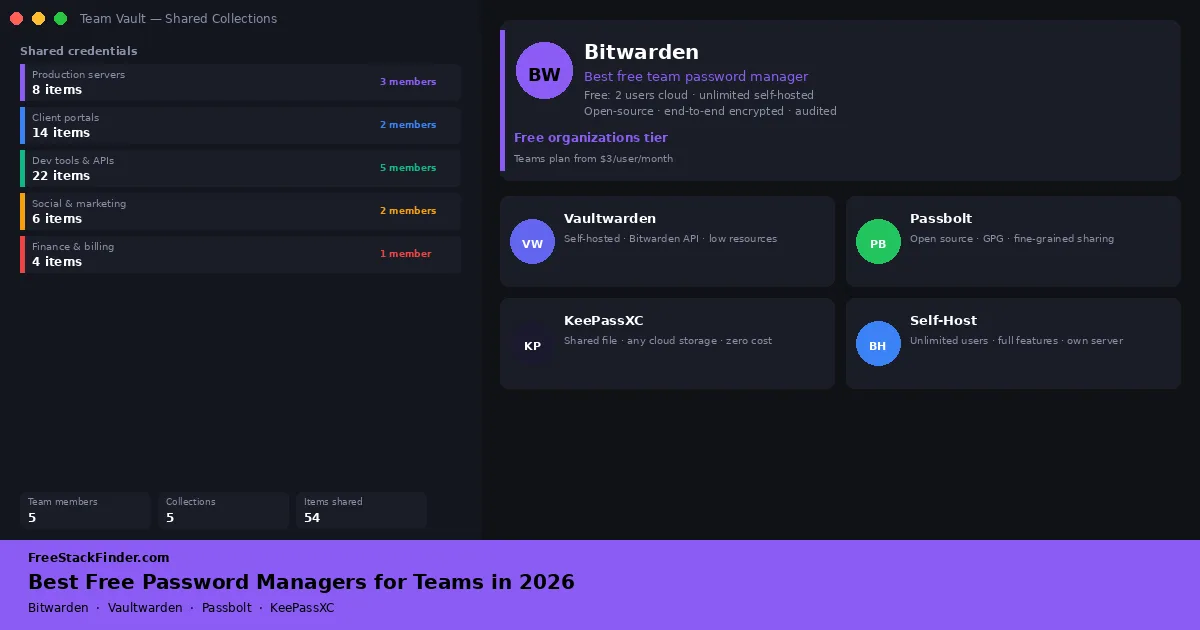
Bitwarden’s free tier is unusually broad for an open-source, independently audited vault: unlimited passwords, unlimited devices, end-to-end encryption, browser extensions for Chrome, Firefox, Safari, Edge, and more, desktop apps, mobile apps, secure notes, credit card and identity storage, a customizable password generator, and basic two-factor authentication support are all included.
The free account can use an authenticator app, email, or a FIDO2 WebAuthn credential, including a compatible hardware key, for two-step login. Bitwarden lists FIDO2 WebAuthn as free for all users. Premium adds YubiKey OTP and Duo methods, the integrated Bitwarden TOTP generator, encrypted file attachments, emergency access, security reports, and file sharing through Bitwarden Send.
Bitwarden’s unlimited-device policy avoids NordPass Free’s one-active-session limit. It is the broadest default here for readers who want hosted sync without a subscription.
Try Bitwarden free (opens in a new tab)
2. KeePassXC: best for users who want zero cloud dependency
KeePassXC stores the vault as an AES-256 encrypted .kdbx file on your own computer. The open-source app requires no cloud account, registration, or internet connection, and still supports browser integration through KeePassXC-Browser, a fully configurable password generator, SSH key management, TOTP code generation, and desktop apps for Windows, macOS, and Linux.
The sync model is the trade-off. There is no official mobile app, so mobile access depends on third-party apps such as KeePassDX on Android or Strongbox on iOS. Syncing means moving the vault file through cloud storage, USB, or your own server. That requires more setup than a hosted password manager.
KeePassXC fits people who want direct control over where the vault file is stored. The file does not reach a cloud service unless you place it in one, but backup, synchronization, and conflict handling become your responsibility.
Download KeePassXC free (opens in a new tab)
3. Proton Pass free tier: best for users already using Proton apps
Proton Pass Free includes unlimited logins and notes, unlimited devices, two vaults, passkey support, and ten hide-my-email aliases. Its current plan comparison puts the integrated TOTP authenticator, secure sharing, unlimited aliases, file attachments, and emergency access on paid plans.
The two-vault limit is enough to separate personal and work items, but it leaves little room for further organization. People who already use Proton Mail or Proton VPN can manage Pass under the same Proton account.
The ten included aliases can keep a primary email address out of routine sign-up forms. If every account needs a distinct alias, the paid plan or a separate alias service is necessary.
Try Proton Pass free (opens in a new tab)
4. NordPass Free: one active session
NordPass gives free users unlimited password storage, end-to-end encryption, browser extensions, and mobile apps.
The account synchronizes data across installed devices, but only one device can have an active session on the free plan. NordPass confirms that limit in its Free and Premium comparison. Password Health, password sharing, and emergency access require Premium.
NordPass fits users who mainly access passwords from one device and want guided setup. The one-active-device constraint becomes a daily problem when both a phone and laptop need access.
Try NordPass free (opens in a new tab)
Dashlane no longer has a free plan
Dashlane discontinued its Free plan on September 16, 2025. Former free users could export their data after that date, but could no longer view, edit, or add vault items. Dashlane’s transition notice gave them until September 16, 2026, now past, to upgrade or export to keep access. Dashlane is therefore not ranked as a current free password manager.
A note on LastPass
LastPass is not ranked in this guide. Its Free plan has been limited to one device type since 2021. In the 2022 incident, an attacker copied backups containing encrypted vault fields and unencrypted data such as website URLs, as described in LastPass’s incident notice. Compare that record and the current Free restrictions with the sync, local-storage, and recovery models above before choosing a vault.
When a paid password manager makes sense
Paid password manager plans make sense for families that need shared collections alongside private vaults. Bitwarden currently lists Families at $47.88 per year for up to six users. Compare the renewal price and account-recovery model before moving a household.
The individual plans cost between about $17 and $65 a year, and the introductory offers make the first year look cheaper than the renewal. Individual and family prices on the US pricing pages, September 2026:
| Manager | Individual plan | Price | Family plan | What the individual plan adds |
|---|---|---|---|---|
| Bitwarden | Premium | $19.80 a year | Families, $47.88 a year for six | Integrated TOTP, file attachments, emergency access, security reports |
| KeePassXC | None | Free | None | Every feature is in the open-source app |
| Proton Pass | Pass Plus | $35.88 a year, or $4.99 monthly | Pass Family, $59.88 a year for six | Built-in 2FA authenticator, unlimited aliases, vault and link sharing, dark web monitoring |
| NordPass | Premium | $37.53 for the first 27 months on the two-year offer | Family, $2.49 a month on the same offer | Access on several devices at once, password health, breach scanner, file attachments |
| 1Password | Individual | $3.99 a month billed yearly, or $2.99 in the first year | Families, $5.99 a month with up to five invited members | No free tier; a 14-day trial |
| Dashlane | Premium | $5.42 a month billed yearly | Friends & Family, $8.13 a month for ten | No free tier since 2025; includes a VPN |
Bitwarden Premium is the cheapest paid individual plan here at list price, while the NordPass two-year offer is cheaper still until it renews.
Businesses also benefit from paid team password managers: shared vault access with role-based permissions, user onboarding and offboarding controls, and audit logs are all features that matter at team scale and are not available on free tiers. Free and low-cost team options are compared in the free password managers for teams guide.
FIDO2 WebAuthn security keys work with Bitwarden Free. Premium is required for YubiKey OTP and Duo, which are separate two-step login methods, as well as the integrated TOTP generator. Bitwarden currently lists Premium at $19.80 per year.
For most individual users, paying should not be the first security move. The bigger win is moving every account into one password manager, replacing reused passwords with unique generated ones, and enabling two-factor authentication on email, banking, and the password manager itself. Once that habit is in place, paid features are easier to judge: emergency access matters if someone else may need to recover your vault, sharing matters if a household or business needs common credentials, and hardware-key support matters if your accounts justify stronger login protection.
NordPass and NordVPN use the same account family
If you already use or plan to use NordVPN, NordPass sits within the same Nord Security account, and one subscription can cover VPN, password manager, and encrypted storage (NordLocker) together. Its free tier stores unlimited passwords on one active device.
Already using NordVPN? Add NordPass for free.
NordPass is Nord Security's password manager. The free tier stores unlimited passwords but works on one active device. Premium adds multi-device sync and password sharing.
Try NordPass free →Once the vault is set up, turn on two-factor authentication for the email account and for the password manager itself. The free 2FA authenticator apps guide compares the apps that generate those codes.
Move email and banking accounts first
Email accounts come first because they can reset most other logins, followed by banking and cloud storage. Social and shopping accounts can follow gradually. Installing a password manager without moving existing credentials changes very little, so replace reused passwords as you move each account rather than only saving new sign-ups.