Team size and ownership narrow the options
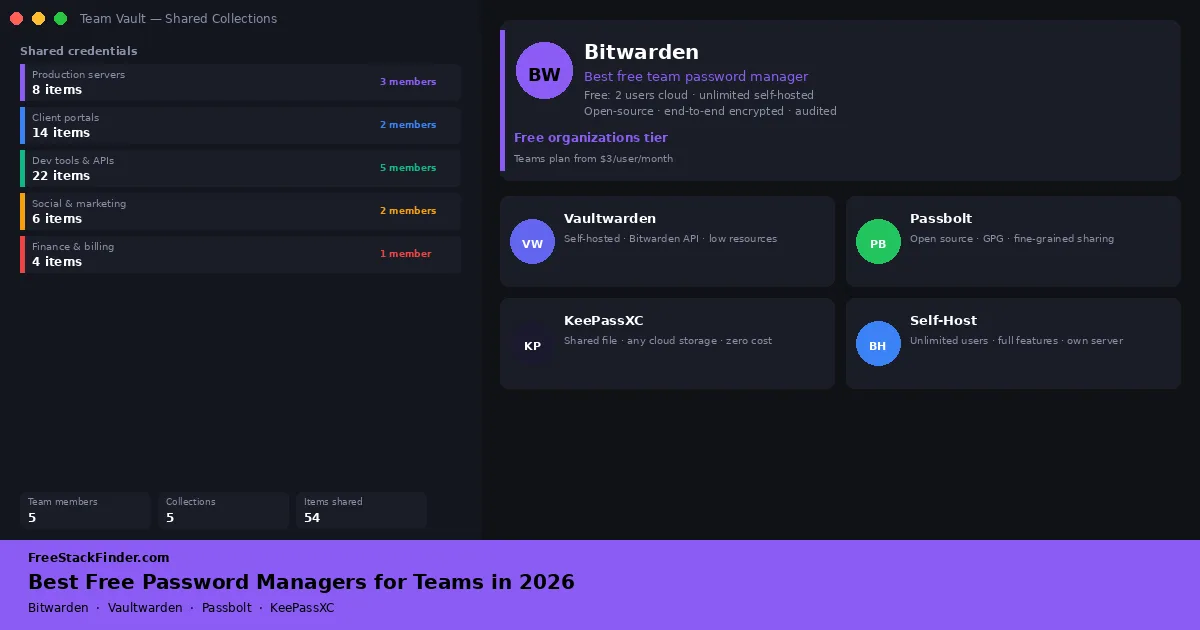
Bitwarden Free Organizations provides hosted sharing for two people. For three or more people, the free options in this guide are self-hosted: Passbolt Community Edition is built for team sharing, while Vaultwarden implements the Bitwarden client API as an unofficial community project. Official Bitwarden self-hosting does not unlock paid organization features for free. Teams that cannot maintain a server should compare managed paid plans; Bitwarden currently lists Teams at $4 per user per month, billed annually.
| Tool | Best for | Free plan | Main limitation |
|---|---|---|---|
| Bitwarden Organizations | Two-person teams, cloud-hosted | 2 users, 2 shared collections, cloud sync | Hard two-user cap on free tier |
| Vaultwarden | Teams wanting Bitwarden-compatible clients | Community server with organization sharing | Unofficial project; not a Bitwarden Inc. product |
| Passbolt Community | Teams wanting purpose-built sharing | Unlimited users, GPG encryption, team sharing | Self-hosted only; browser extension required |
| KeePassXC shared vault | Micro-teams, no server setup | Free, local encrypted file, cloud sync via any storage | No per-user controls; concurrent edits can conflict |
Team vaults need an owner
Individual password managers store and autofill one person’s credentials. A team vault must also grant and revoke access as people join, change roles, or leave.
Without a shared vault, teams fall back on dangerous habits: emailing passwords, storing them in shared spreadsheets, or using the same weak password across the whole team. Any of these creates real exposure: if one person leaves, the team has no reliable way to know which credentials they retain access to.
Commercial team plans usually charge per user. Free options avoid the subscription by imposing a two-person hosted limit or transferring server maintenance to the team.
The practical decision goes beyond price. A team must safely handle onboarding, offboarding, recovery, and accountability. A shared vault works only if someone owns the process: inviting new users, removing departed users, rotating credentials after access changes, and checking that two-factor authentication is enabled on important accounts. Free tools can support that discipline, but they do not create it.
Four ways to share credentials without a paid seat
1. Bitwarden Free Organizations: best cloud-hosted free option
Bitwarden’s cloud product includes a free Organization tier that allows two members to share credential collections without a credit card.
Bitwarden’s organization quick start confirms secure sharing for two users. The free tier includes:
- Two organization members (the owner plus one invited member)
- Two shared collections of passwords
- All standard Bitwarden features for each user (unlimited personal passwords, browser extensions, mobile apps)
- End-to-end encryption, open-source codebase
- Cloud sync across all devices for each member
The hard limit is team size:
- Hard two-user cap: a third team member requires a paid organization plan
- Only two shared collections (logical groupings for credentials)
- No admin event logs or audit trails
- No SCIM provisioning or directory sync
- No custom roles
Use it for freelance partnerships, two co-founders sharing infrastructure credentials, a designer and developer on a shared project, or any two-person team that wants shared cloud access without setup complexity.
For exactly two people, this is the simplest hosted free option. Create an organization, invite one member, and add shared collections. Both members keep personal Bitwarden vaults plus access to the shared vault. A third person forces the choice between self-hosting and a paid plan.
Try Bitwarden Organizations free →
2. Vaultwarden: Bitwarden-compatible self-hosting
Vaultwarden is an unofficial implementation of the Bitwarden server API written in Rust. It works with official Bitwarden clients, but Bitwarden does not develop or support it.
Vaultwarden keeps the Bitwarden-compatible workflow lighter:
- Compatible with every Bitwarden client app
- Unlimited users and organizations
- Organization sharing and several features that require paid Bitwarden plans on the hosted service
- A smaller server footprint than the official Bitwarden stack, without a promised memory figure
The risk is project status and support:
- Not an official Bitwarden product: you are running a community project
- No official support from Bitwarden Inc.
- Some edge features occasionally lag behind the official server on version compatibility
- Still requires server access and Docker
Use Vaultwarden when server resources are tight, the team is technical, and everyone understands that the project is unofficial. It is a poor fit for teams that need vendor support or a conservative compliance story.
Vaultwarden suits technical teams that accept community support and can test updates when the Bitwarden client protocol changes. Review its project documentation and security notes before using it for business credentials.
3. Passbolt Community Edition: purpose-built team sharing
Passbolt Community Edition is an open-source password manager designed for shared credential management.
Passbolt Community Edition gives technical teams detailed sharing controls:
- Unlimited users on the Community Edition
- GPG-based end-to-end encryption for all shared passwords
- Per-password sharing: share individual passwords or groups of passwords with specific users or teams
- Permission levels: read, write, and ownership
- Browser extension for Chrome, Firefox, and Edge (required for all features)
- Self-hosted via Docker or direct install; documented for popular Linux distributions
- REST API for programmatic integration
The setup burden is higher than Bitwarden:
- The managed cloud option is paid
- Mobile apps and Single Sign-On (SSO) are Cloud/Business tier features
- Initial setup requires GPG key generation per user, which adds work for non-technical users
- More setup work than Bitwarden’s hosted apps
It fits development teams, sysadmin teams, or IT departments that share many service credentials and need fine-grained access control. Teams where technical users can help others through GPG setup will have a smoother rollout.
Passbolt can grant read, update, or ownership permissions on individual passwords and groups. That control is useful for technical teams, while its GPG setup creates more onboarding work than a hosted personal password manager. Passbolt’s Community Edition comparison lists unlimited users, user and group management, role-based access control, browser extensions, a CLI, and an open API.
4. KeePassXC shared vault: manual file sharing
A KeePassXC shared vault uses a single vault file stored in shared cloud storage (Google Drive, Dropbox, Nextcloud) as a basic team password setup. The vault is a single encrypted file; anyone with the master password can open it.
The shared-vault approach keeps costs at zero:
- Completely free and open-source
- AES-256 encrypted vault file
- No account required: the vault is just a file
- Works with any cloud storage service that can sync files
- All KeePassXC features: password generator, TOTP codes, SSH key management, browser integration
The problem is access control:
- No real-time sync: if two people edit the vault simultaneously, one set of changes will be lost or the file will conflict
- No user management: everyone uses the same master password; there is no per-user access control
- Revoking access for a departed team member requires changing the master password and redistributing it
- No audit log of who accessed what
Use KeePassXC shared this way only for micro-teams of two or three people where one person edits the vault at a time: for example, a freelancer and virtual assistant sharing a handful of client portal credentials.
Its appeal is that there is no server, no account system, and no recurring payment. The model falls apart quickly as the team grows, credentials become more sensitive, or offboarding becomes a real concern. Treat it as a stopgap, not a long-term team security system.
Official Bitwarden self-hosting follows plan licensing
Running Bitwarden on your own server does not unlock a free, unlimited team organization. Bitwarden says self-hosting is free, but paid organization features require a license file tied to an active cloud subscription. Its on-premise licensing guide explains that boundary. Use the official server when self-hosting is itself a requirement, not as a way to bypass Teams or Enterprise licensing.
When team controls justify paying
The free options above work in specific scenarios. A paid plan becomes easier to justify when:
- Three or more people need hosted sharing without server maintenance. Bitwarden Teams costs $4 per user per month when billed annually and includes event logs, directory synchronization, and SCIM provisioning.
- Offboarding must be quick and repeatable. Per-user accounts and revocable permissions are safer than a shared master password.
- An audit or policy requires activity records, directory integration, or support from the vendor.
- Nobody on the team can own updates, backups, monitoring, and recovery for a self-hosted service.
For teams that already use, or are considering, a VPN for secure remote access, NordPass Business is worth evaluating alongside NordVPN. It offers admin controls, shared vaults, and user provisioning from the same Nord Security account.
Need a managed team password manager?
NordPass Business provides shared vaults, admin controls, and user management, and works alongside NordVPN if your team already uses it for secure remote access.
Try NordPass Business →Privacy and security considerations for team vaults
Shared master passwords prevent clean offboarding
KeePassXC’s shared-file model creates an access-control gap. A single compromised master password exposes every credential in the vault, and a departed member may retain a copy. Teams managing client, financial, or infrastructure credentials should use per-user accounts with revocable access.
Self-hosting adds operational risk
Passbolt and Vaultwarden still depend on the security, availability, and backups of the server beneath them. Assign an owner for operating-system patches, application updates, TLS certificates, monitoring, backups, and restoration tests before deployment.
Review credentials on a documented schedule
Shared vaults accumulate old service accounts and access granted to former contractors. Choose a review interval, record who owns it, and remove or rotate credentials that no longer have a current business use.
Recovery planning matters too. Before trusting any shared vault, decide who can recover access if the owner loses a device, forgets a master password, or leaves the business unexpectedly. Free setups often work well until the one person who understands them is unavailable.
For the rest of your team’s security baseline, require two-factor authentication on the vault and important service accounts. A VPN can protect traffic on networks the team does not control, but it does not replace access controls or device security.
Name a vault owner before onboarding
The available free paths are:
- Two people can use Bitwarden Free Organizations for hosted core sharing.
- A technical team can self-host Vaultwarden if it accepts an unofficial Bitwarden-compatible server.
- Passbolt Community Edition fits teams that want a supported open-source project built around shared access controls and can run its server.
- A two- or three-person group with occasional sharing can use a KeePassXC file as a temporary arrangement, provided it understands the offboarding and conflict risks.
If nobody can maintain a server, compare managed plans instead of leaving an unpatched vault online. For individual password management recommendations, start with our free password managers guide. Each member should keep personal credentials outside the shared organization, and the team should enable 2FA before adding production credentials.