Local files and team databases solve different problems
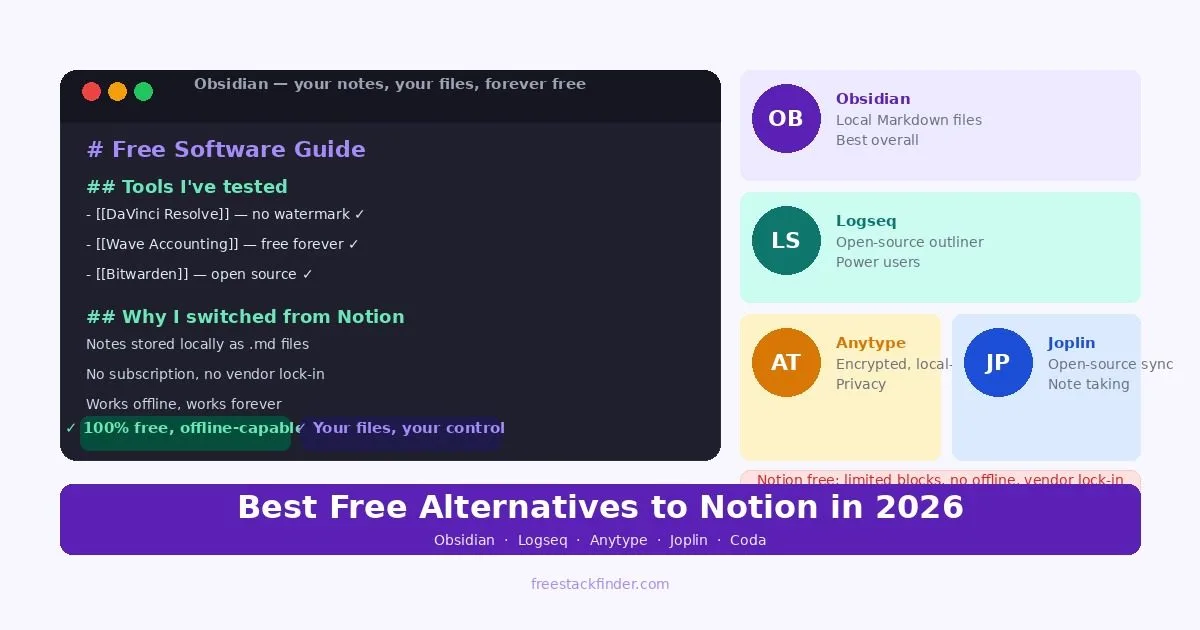
The alternatives split by where your notes live. Obsidian and Logseq keep them as local files that work offline, with little real-time collaboration. Obsidian adds a large plugin library, while Logseq organizes everything as an outliner. Anytype also stores data on the device but keeps a block editor closer to Notion’s. Notion’s paid plans earn their cost when a team depends on shared databases, permissions, and a company wiki, which solo note-taking rarely needs.
What pushes people off Notion’s free plan
Notion’s Free plan works differently for individuals and teams. A one-person workspace has unlimited blocks, while a free workspace with two or more members is limited to 1,000 blocks. Notion now lets members on every plan download individual pages for offline use in its desktop and mobile apps; paid plans also download recent and favorite pages automatically.
The other common trigger is privacy. Notes are often the most sensitive data a person creates: personal journals, work strategies, client information, research on health or financial topics. Storing all of that in a third-party cloud platform requires a level of trust that many users are no longer comfortable extending by default.
For users who want to switch, the main concerns are usually feature parity and migration effort. Several alternatives accept Markdown exported from Notion, but databases, permissions, templates, and linked views still need manual rebuilding.
Five ways to replace Notion
1. Obsidian: best free Notion alternative for personal knowledge management
Obsidian needs no account for local notes. Every note is a plain Markdown file in a folder on your own computer.
What you get for free:
- Local notes and core editing require no subscription or account
- Notes stored as plain .md files in a folder you own
- Backlinks and graph view to see connections between notes
- Large plugin library: hundreds of community plugins for calendars, tasks, databases, and more
- Full offline access: works without internet
- Available on Windows, macOS, Linux, iOS, and Android
Where the free tier ends:
- Obsidian Sync is a paid add-on; third-party file-sync setups require platform-specific configuration
- Publish feature (sharing notes publicly) requires a paid add-on
- The local-file and plugin workflow requires more setup than Notion’s hosted workspace
Those files open in ordinary text editors and remain accessible without an Obsidian account. Backlinks and graph view add a way to inspect connections between those files, while Notion keeps its workspace data inside a hosted service. Obsidian publishes current add-on prices and storage limits on its pricing page. Writers, researchers, developers, and students who want their notes as files and no subscription get the most from it.
Formatted documents for other people, such as letters or reports in Word format, are easier to produce in a suite from the free Microsoft Office alternatives guide.
Download Obsidian free (opens in a new tab)
2. Logseq: best open-source outliner for networked note-taking
Where Obsidian works in pages, Logseq works in outlines. The open-source app stores notes as local Markdown or Org-mode files.
In the open-source app:
- Open-source local application with no paid feature tier
- Local-first storage: notes are files on your device
- Outliner-based editing with indented bullet structure
- Bidirectional links and graph view
- Task management with queries and filters
- Journal-style daily pages
- Available on Windows, macOS, Linux, and mobile (iOS/Android)
What takes adjustment:
- The outliner structure takes time to adjust to: it is more opinionated than Notion’s flexible blocks
- Database-style views are less developed than Notion’s tables and boards
- Sync across devices requires third-party cloud storage (similar to Obsidian)
- The block and query workflow requires more setup than Notion
Each bullet is a block that can be referenced, tagged, and queried independently. Choose that model for daily notes and connected outlines; choose Notion when database views and team collaboration matter more. The outliner suits researchers who think in connected ideas rather than linear documents.
Download Logseq free (opens in a new tab)
3. Anytype: best privacy-first Notion alternative with a generous free tier
Of the local-first apps here, Anytype stays closest to Notion, with blocks, database views, and page hierarchy. Data stays on your device by default and is end-to-end encrypted.
Without a paid membership:
- Local-first storage with end-to-end encryption
- Block-based editing similar to Notion: pages, databases, kanban boards, and more
- On-device storage and peer-to-peer sync using Anytype’s local-first model
- Object-based data model for connecting different types of content
- Available on Windows, macOS, Linux, iOS, and Android
Where it is still maturing:
- Still in active development, with fewer mature collaboration controls than Notion
- Smaller community and plugin library than Obsidian
- The object-based model has a learning curve for users coming from Notion
- Hosted network storage and collaboration limits depend on the current membership
Its published membership model keeps local storage and peer-to-peer sync available without payment, while hosted network resources have plan limits. Check Anytype’s membership explanation before planning shared or hosted work. For someone leaving Notion who wants privacy-first storage, it asks for the least change in daily habits.
Try Anytype free (opens in a new tab)
4. Superhuman Docs free tier: best Notion replacement for document-centric teams
Superhuman Docs is the one cloud-only option here, combining documents, spreadsheets, and databases. It was called Coda until July 2026, when Superhuman renamed the product and kept existing docs and plans in place. Its free tier gives document-focused teams more room than Notion in several areas.
On the free tier:
- Personal docs have no page or object limit
- Tables, views, and basic automation
- Doc sharing and collaboration
- A free trial of Docs AI, which is in beta
- Available in the browser, on mobile, and in a Mac desktop app
Where the free tier stops:
- Shared free docs are limited to 50 objects and 1,000 table rows
- Version history is limited to 7 days on free
- External sharing controls are more limited than paid tiers
- No offline mode: requires internet connection
Superhuman Docs treats reports, wiki pages, and project briefs as documents first. Its tables sit inside those documents and behave more like spreadsheets than Notion databases. Personal documents have different limits from shared ones, so check the free doc limits before moving a team workspace. It makes most sense for a small team that uses Notion mainly for documents and wikis and keeps running into Notion’s block limit.
Try Superhuman Docs free (opens in a new tab)
5. Joplin: best free open-source note-taking for Evernote and Notion refugees
Joplin handles Markdown and rich formatting, and it syncs across devices through cloud storage you already use.
Free and open source:
- Open-source desktop and mobile applications
- Notes stored in an open format
- Sync via Dropbox, OneDrive, Nextcloud, or your own WebDAV server: all free
- End-to-end encryption option
- Web clipper browser extension
- Available on Windows, macOS, Linux, iOS, and Android
What it does not do:
- Interface exposes more database structure than Notion or Anytype
- No database views, kanban boards, or structured data features
- Sync setup requires more technical steps than Notion
- Limited collaboration features
Joplin occupies a different category from the other tools in this list. It is a note-taking app, not a workspace. It can handle ideas, clipped articles, journals, and reference material, with sync through supported storage providers. It is less suitable for a company wiki or a project that depends on database views and team permissions. Evernote refugees who want sync without another subscription are its most natural audience.
Download Joplin free (opens in a new tab)
Compare storage, structure, and collaboration
| Tool | Storage | Offline | Collaboration | Best for |
|---|---|---|---|---|
| Obsidian | Local files | ✅ Full | ⚠️ Limited | Personal knowledge base, writers |
| Logseq | Local files | ✅ Full | ⚠️ Limited | Networked thinking, power users |
| Anytype | Local + encrypted sync | ✅ Full | ✅ Yes | Notion-like interface, privacy |
| Superhuman Docs | Cloud | ❌ No | ✅ Strong | Team docs, wikis |
| Joplin | Local + your cloud | ✅ Full | ⚠️ Limited | Simple note-taking, Evernote replacement |
| Notion free | Cloud | ⚠️ Manual page downloads | ✅ Yes | Solo workspaces and guest sharing |
When Notion’s paid plan still fits
Notion’s paid plans make the most sense when one workspace carries project tracking, a team wiki, internal documentation, and product roadmaps. At that point, shared permissions and database relationships can justify the cost, especially if moving everyone to a more technical tool would create a training burden.
Large teams also face a real switching cost. Linked databases, template buttons, and automations do not migrate as neatly as plain pages. Moving dozens of people is a project, not a quick account export.
Paid AI features can also reduce tab switching for documentation-heavy teams by summarising notes, filling database properties, and drafting inside the workspace. On Notion, those ongoing AI features now come with the Business plan rather than a separate add-on, and that convenience matters less if the tasks are occasional or your team already uses a separate writing tool.
Most of the alternatives charge for sync or hosted storage instead of editing features. What each paid option cost in September 2026:
| Tool | Paid option | Price | Sync, storage, or features |
|---|---|---|---|
| Notion | Plus | $10 a member a month billed yearly, $12 monthly | Unlimited blocks for teams, unlimited file uploads, 30-day page history |
| Notion | Business | $20 a member a month billed yearly, $24 monthly | Notion Agent, AI Meeting Notes, SAML SSO, private teamspaces |
| Obsidian | Sync, Publish | Sync $4 a month billed yearly; Publish $8 a site | Encrypted sync with version history and shared vaults; a public site for chosen notes |
| Logseq | None | Free | No paid feature tier |
| Anytype | Plus | $4 a month | 1 GB of remote storage instead of 100 MB, unlimited shared channels; Pro, at $8, has 10 GB |
| Superhuman Docs | Pro | $12 per Doc Maker a month billed yearly, $15 monthly | Unlimited doc size, Docs AI writing and editing, 30-day version history |
| Joplin | Joplin Cloud Basic | €2.40 a month billed yearly, €2.99 monthly | 2 GB of hosted sync and note publishing; Pro, at €4.79 billed yearly, has 30 GB |
Superhuman Docs bills only the people who create docs, so a team where most members edit rather than build can cost less there than on Notion, which bills every member.
Local files for individuals, shared databases for teams
Migration effort is the practical tiebreaker. Pages exported from Notion as Markdown carry over to the Markdown-based tools, but databases, permissions, templates, and linked views have to be rebuilt by hand wherever you go. A workspace of personal pages moves cheaply, and Obsidian is the clearest home for it because the notes stay ordinary files you control. A workspace built on shared databases and defined processes is where paying for Notion usually costs less than the rebuild. Storage alone does not justify the upgrade.
Quick capture is a different job, handled by Google Keep, Standard Notes, and Simplenote in the free note-taking apps guide. Our free writing tools guide covers drafting and editing, while the free calendar apps guide compares Notion Calendar with standalone schedulers.