Capture speed, file ownership, or structure
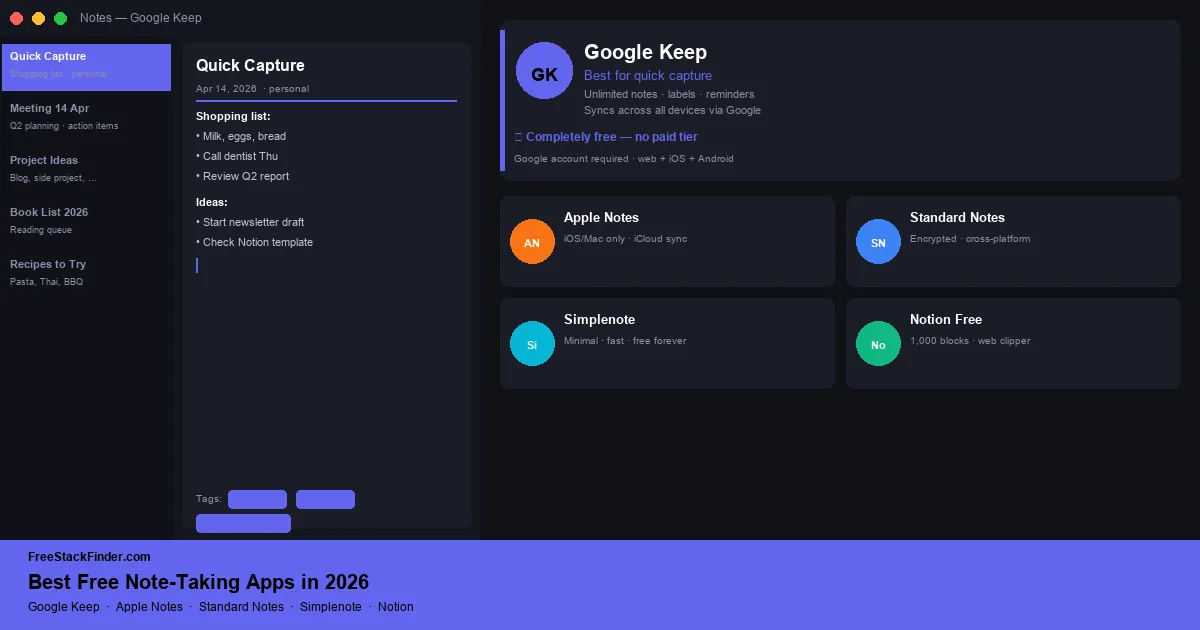
Pick by the first action you take. Google Keep is built for quick capture inside Google accounts, while Apple Notes combines text, scans, handwriting, and sharing on Apple devices. Standard Notes puts encryption first; Simplenote keeps the interface to plain text and Markdown. If the job involves databases and linked pages, move to our free Notion alternatives guide instead.
Fast capture can matter more than a large feature list
Notion, Coda, and Obsidian can store far more than a quick note, but they also ask the user to build a system. Meeting notes, lists, drafts, and reading highlights often need faster capture instead.
For long-term note-taking, an app needs to open quickly, sync reliably, and stay out of the way. The apps in this list are all free, not time-limited trials or “free up to X notes.”
The easiest way to choose is by the first action you take most often. If you capture thoughts while walking, pick the fastest mobile widget. If you scan documents or write by hand, choose the app built into your tablet or phone. If notes become a knowledge base, choose structure over speed.
Five free note-taking approaches
1. Google Keep: best for fast capture and Google app users
Google Keep is Google’s note-taking app: a lightweight, color-coded card interface built for quick capture, with reminders, labels, and direct Google Docs export.
Google Keep works well when the note is short and temporary. The free app gives you:
- Unlimited notes
- Notes, lists, voice memos, and image notes
- Reminders and location-based alerts
- Labels and color coding for organization
- Collaborative notes: share and co-edit with others
- Syncs instantly across Android, iOS, and web
- Google Docs integration: export any note to a document in one click
- Completely free, no paid tier
The trade-off is structure. Keep is not built for a research archive or a long-term knowledge base:
- No markdown support: plain text and basic formatting only
- No nested notebooks or folder structure: labels only
- No end-to-end encryption
- No offline-first mode: requires internet for initial sync
- Notes cannot be very long, not suitable for document-length writing
Use Keep if your notes usually start on a phone and end up in Gmail, Docs, Calendar, or Drive. Students, meeting-heavy workers, and people who capture reminders on the move get the most value from it.
The Android widget supports one-tap voice or text capture without digging through menus. Location reminders can also attach a note to a place. Skip Keep if you want notebooks, Markdown, or private encrypted archives.
2. Apple Notes: best for iPhone and Mac users
Apple Notes is Apple’s built-in notes app with device sync, scanning, attachments, checklists, shared notes, and handwriting support.
Apple Notes gives Apple users a full notes system without installing anything:
- Unlimited notes with iCloud sync (requires iCloud storage: 5GB free)
- Rich formatting: tables, checklists, headers, inline images
- Document scanning with the camera
- Handwriting recognition (search inside handwritten notes)
- Password-locked notes with Face ID / Touch ID
- Collaborate and share notes with other Apple users
- Smart folders (automated organization by tag or date)
- Quick Note: capture from any app via Control Center
- Completely free on Apple devices
The boundary is device support. The app works well on Apple hardware and is awkward outside it:
- Apple devices only: no native Android or Windows app (web access at iCloud.com is limited)
- Sync depends on iCloud free tier (5GB shared with photos and backups)
- No markdown support
- Not end-to-end encrypted by default (iCloud encryption applies, but not the same as zero-knowledge E2E)
Use Apple Notes when your note-taking includes photos, scanned receipts, handwritten notes, and family sharing on Apple devices. It is especially strong for people who already pay attention to iCloud backups and do not need Android or Windows-native access.
The document scanner can capture a receipt or whiteboard, and Apple Notes can search recognized text later. Smart folders add more structure than a simple scratchpad. Skip it if cross-platform access matters more than native Apple integration.
Available on iPhone, iPad, and Mac: free with your Apple ID.
3. Standard Notes: encrypted plain-text notes
Standard Notes is an open-source, end-to-end encrypted note-taking app built around plain files, exports, and a restrained free editor.
Standard Notes keeps the free tier narrow but serious:
- Unlimited notes and tags
- End-to-end encryption for note contents
- Sync across unlimited devices
- Plain-text editor on the free tier
- Available on Windows, macOS, Linux, iOS, Android, and web
- Offline access and full data export
- Open client code
The missing pieces are mostly rich-content features:
- Markdown, rich text, checklists, code notes, spreadsheets, and folders require a paid plan
- No image attachments on free tier
- No collaboration features
Choose Standard Notes for private journals, research notes, legal notes, or anything you want to keep readable years from now without exposing the contents to a platform provider. It is less comfortable for rich media and team notes.
Its privacy model keeps note contents end-to-end encrypted, and the project publishes its client code. Use the export tools and keep a backup if long-term access matters; no hosted service can guarantee that it will operate indefinitely.
4. Simplenote: minimalist Markdown with note-level collaboration
Simplenote is a bare-bones markdown notes app from Automattic (the company behind WordPress.com): text only, synced instantly across every platform, entirely free.
Simplenote keeps the feature set intentionally small:
- Unlimited notes
- Markdown support with live preview
- Instant sync across all platforms
- Version history: recover any previous version of a note
- Invite another Simplenote user to view and edit a note
- Publish a view-only link when collaboration is not needed
- Tags for organization
- Available on Windows, macOS, Linux, iOS, Android, and web
- Completely free: no paid tier exists
That simplicity is also the limit:
- Text only: no images, attachments, or rich formatting beyond markdown
- No end-to-end encryption
- No reminders or due dates
- No nested tags or folder structure
- Notes must be shared one at a time; there is no workspace-level collaboration
It fits writers, developers, and minimalists who want a plain markdown scratchpad synced across every device, including Linux. It is not the right choice for image-heavy notes, private archives, or shared team documentation.
Version history distinguishes Simplenote from a basic synced text file because earlier versions can be restored. It suits Markdown notes that need to remain available across desktop, mobile, and web.
5. Notion free tier: databases and project notes with more setup
Notion is a workspace tool with pages, databases, and limited AI use on its Free plan. It requires more setup than a dedicated notes app.
Notion’s free tier includes enough structure to become a personal workspace:
- Unlimited pages and blocks in a one-person workspace
- Basic database views (table, board, list, calendar, gallery)
- Templates
- Collaborative editing with up to 10 guests
- 5MB file upload limit
- Available on web, Windows, macOS, iOS, and Android
The cost is setup time and a few free-tier limits:
- Version history limited to 7 days
- Advanced AI features require paid
- Individual pages can be downloaded manually for offline use in the desktop or mobile apps
- Automatic offline downloads and longer page history require paid plans
- A free workspace with two or more members is limited to 1,000 blocks
- Complex setup compared to dedicated note apps
Use Notion when your notes need to become a wiki, reading log, project tracker, or lightweight database. Skip it when the job is fast capture; opening a workspace and choosing a template is too much overhead for a grocery list or a fleeting idea.
The free tier suits structured knowledge management and can track projects alongside notes. For quick capture, the setup is unnecessary. Use Google Keep for that job and Notion for a system with databases and linked pages.
For a full comparison of Notion alternatives including Obsidian, Logseq, and self-hosted options, see our free Notion alternatives guide.
Compare capture, encryption, and platforms
| App | Encryption | Platforms | Markdown | Best for |
|---|---|---|---|---|
| Google Keep | ⚠️ Standard | All | ❌ No | Quick capture, Google users |
| Apple Notes | ⚠️ iCloud | Apple only | ❌ No | iPhone/Mac users, rich notes |
| Standard Notes | ✅ E2E | All incl. Linux | ❌ Paid editor | Private plain-text notes |
| Simplenote | ⚠️ Standard | All incl. Linux | ✅ Yes | Minimalists, markdown writers |
| Notion free | ⚠️ Standard | All | ✅ Yes | Structured wikis, databases |
Match the app to the capture workflow
Google Keep shortens capture on Android and the web. Apple Notes makes more sense when scanning, handwriting, and attachments stay inside an Apple setup. Standard Notes trades rich formatting for encrypted plain text and portable exports. Simplenote provides Markdown, history, and broad platform support, while Notion adds databases and linked pages at the cost of more setup.
From notes to a draft
Note-taking is usually the first draft: capturing raw ideas before refining them into emails, documents, or blog posts. Once your thoughts are captured, tools like LanguageTool and ProWritingAid can help improve the grammar and clarity of that writing at no cost. If you work with writing professionally, see our free Grammarly alternatives guide for the tools that handle the editing step. If those notes turn into longer reports, spreadsheets, or presentations, pair them with our free Microsoft Office alternatives guide. If your notes often become PDFs for sharing or distribution, see our free PDF editor alternatives guide for editing, annotating, and signing without a subscription.
Keep for capture, Standard Notes for privacy
Use Google Keep or Apple Notes for quick capture on the devices you already use. Choose Standard Notes for zero-knowledge encryption and Simplenote for plain Markdown across platforms. Notion fits databases and structured project notes, but it adds unnecessary setup to a simple capture workflow.
The free AI writing tools guide compares tools that can turn rough notes into a draft. For reminders and time planning, see the free calendar apps guide.