Free ChatGPT alternatives in 2026: research, drafting, and coding options
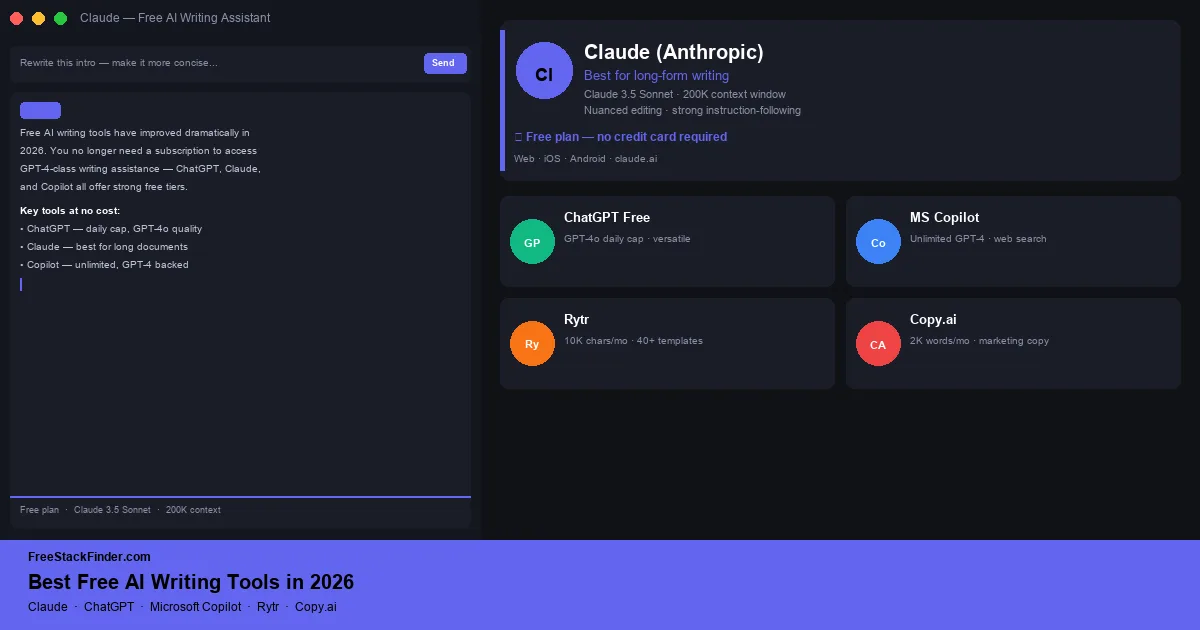
An alternative has to beat a ChatGPT free plan that already searches the web and reads uploads. Claude does it on long documents, Perplexity on cited sources.
Paid plans still earn their cost for daily PDF work, Excel macros, and team wikis. Occasional documents, notes, and writing checks fit the free tools here.
Office files, notes, writing checks, team chat, and PDFs each hit a different free-plan limit first. Slack hides messages after 90 days, Notion caps shared workspaces at 1,000 blocks, and ProWritingAid checks 500 words at a time.
Where to start
Each guide's date changes when its plan details or advice change. How we evaluate · Affiliate disclosure · Report outdated info
9 guides in this category
An alternative has to beat a ChatGPT free plan that already searches the web and reads uploads. Claude does it on long documents, Perplexity on cited sources.
We opened one test .docx in Google Docs, OnlyOffice, and LibreOffice. Fonts, bullets, and review marks differed, so test your own files before cancelling.
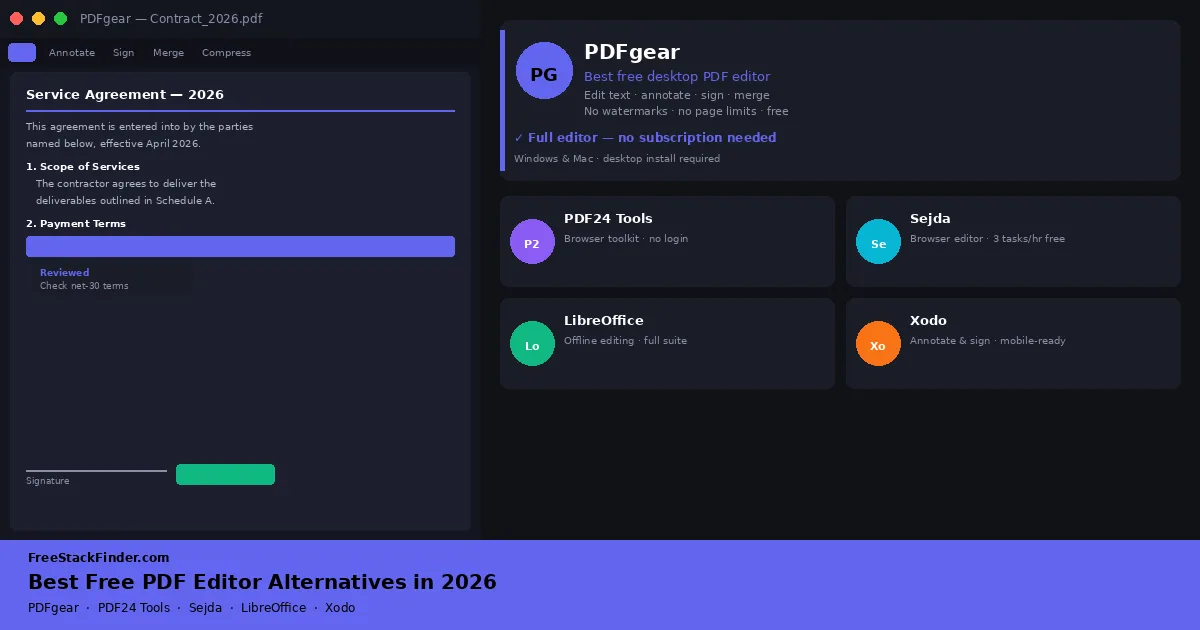
Acrobat Pro is a subscription, but PDFgear edits PDF text free with no watermark or page cap. PDF24 and Sejda handle quick jobs in the browser.
Grammarly Free still checks grammar and shows tone. LanguageTool adds 30+ languages, and ProWritingAid runs style reports on 500 words at a time.
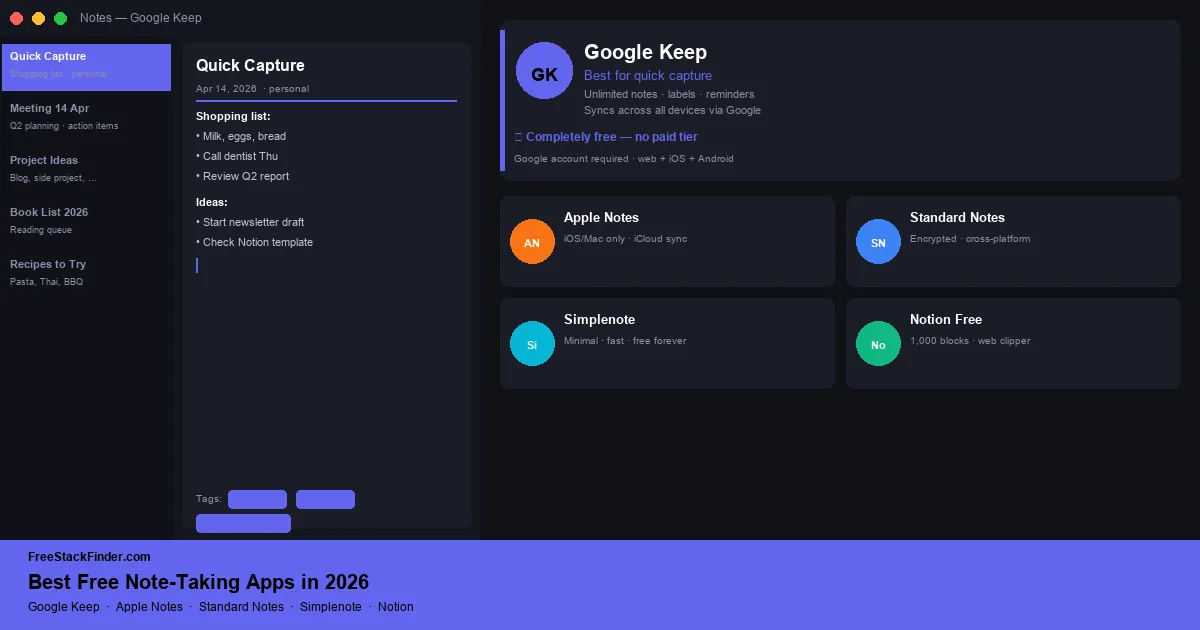
Apple Notes and Google Keep cost nothing on devices you already own. Standard Notes is the pick when every note must be encrypted, even on the free plan.
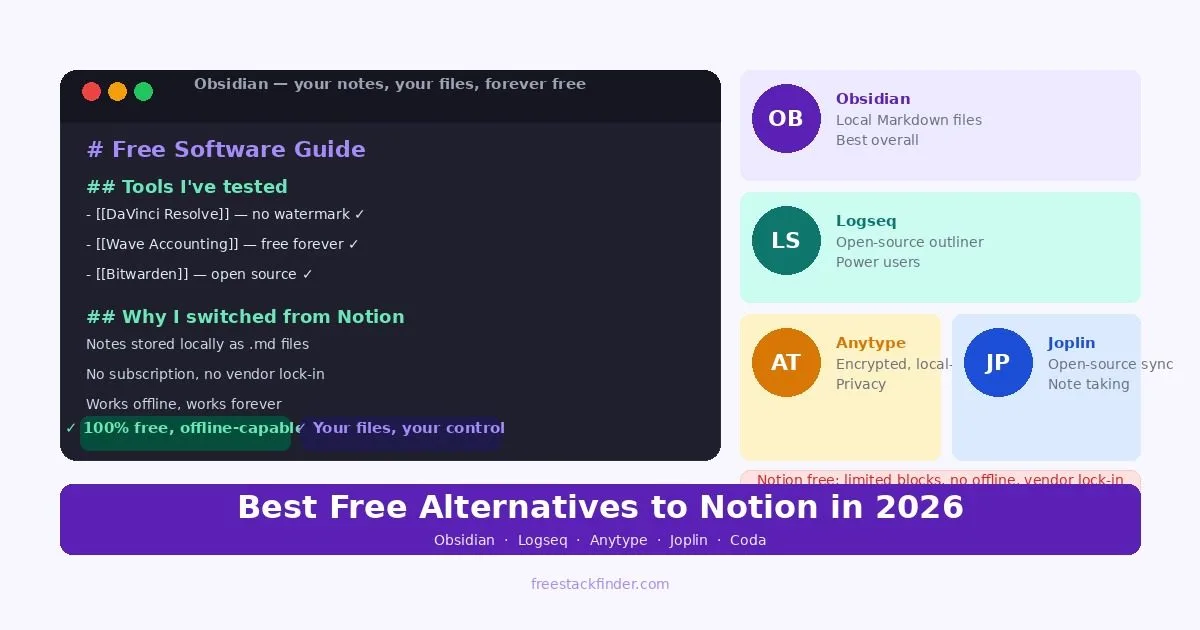
Free Notion workspaces with two or more members stop at 1,000 blocks. Obsidian and Logseq keep notes as local files; Anytype keeps Notion's block editor.
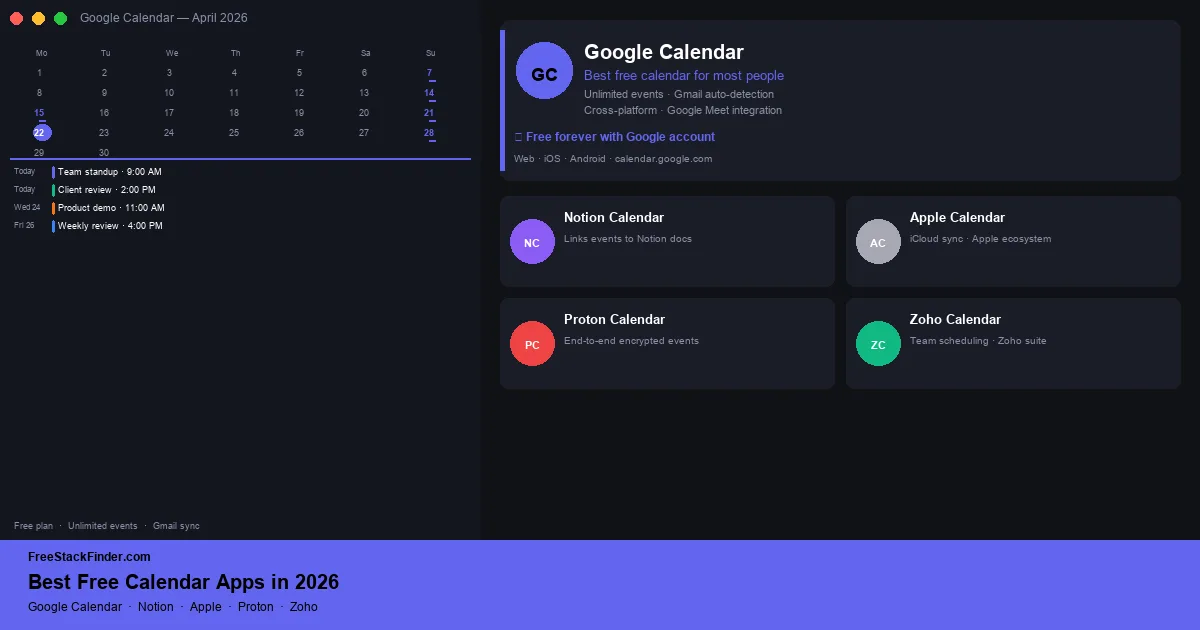
Google Calendar adds events from Gmail and Apple Calendar is already on your iPhone, so the account you use most usually decides. Proton encrypts every event.
Rytr's free plan stops at 10,000 generated characters a month. ChatGPT and Claude meter usage by tool, model, and demand, and every draft still needs editing.
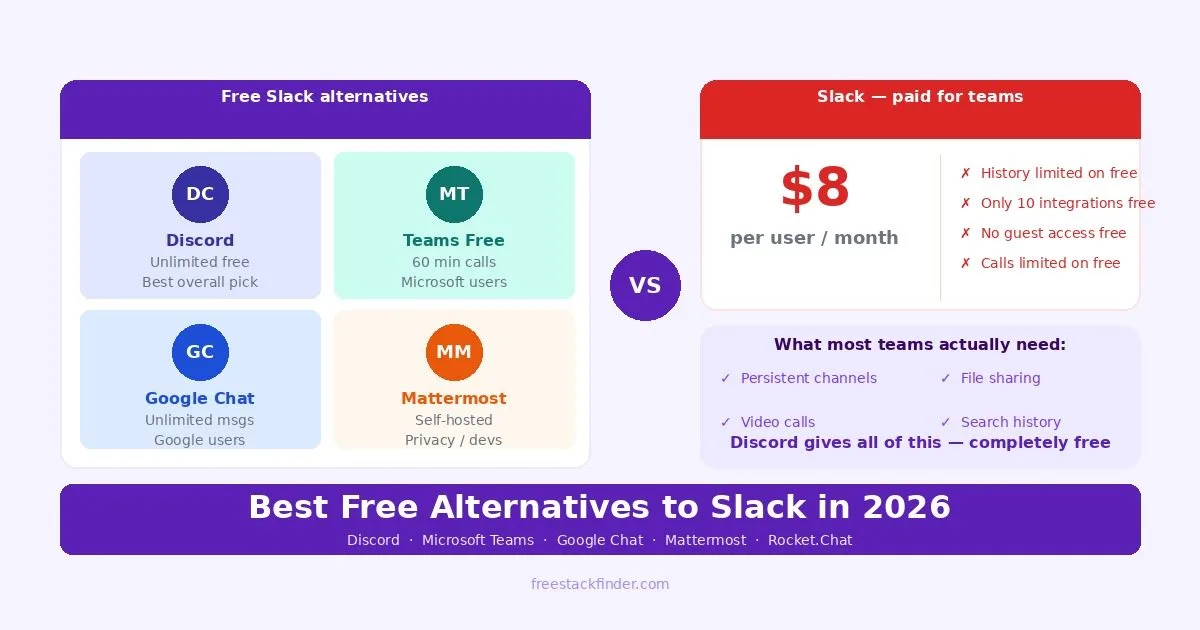
Slack Free hides messages after 90 days and deletes data after a year. Discord has no such window; Teams and Google Chat suit teams already on those accounts.