Handoff and hosting narrow the field
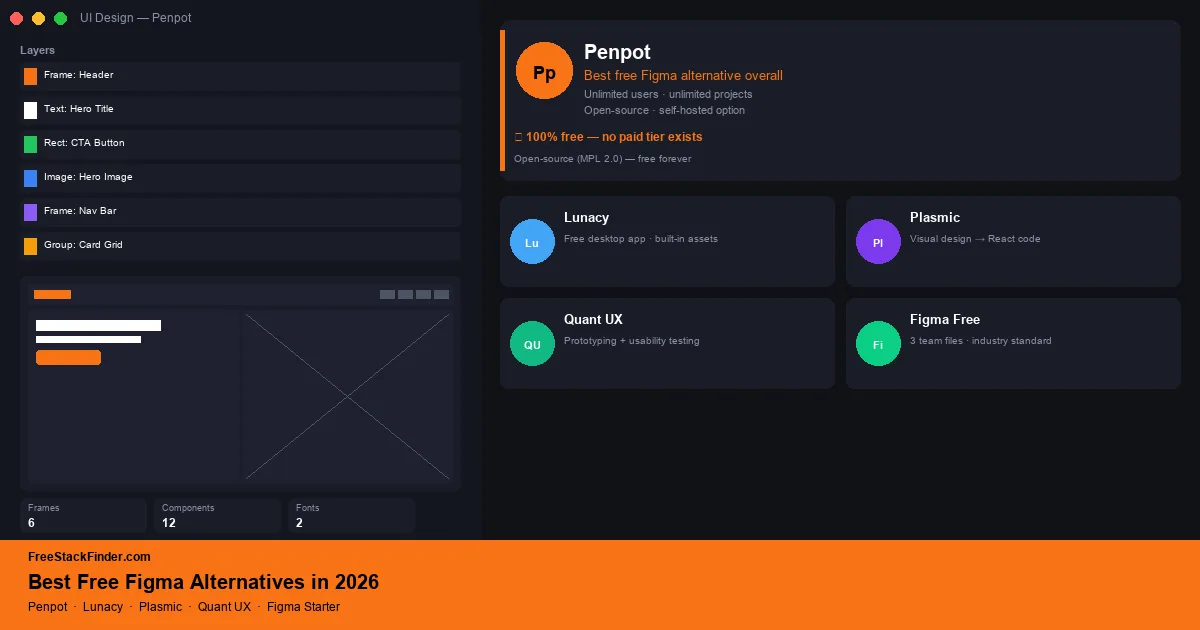
Choose Penpot for collaborative UI work or self-hosting, Lunacy for local desktop files, and Plasmic when a visual project needs to become React code. Quant UX combines prototyping with usability analysis. Figma Starter still works for individual portfolio projects and a small number of shared files.
Penpot is the first option to try when open files and self-hosting matter. Its hosted free plan currently supports up to eight team members, while the open-source edition can run on infrastructure you manage. Lunacy is useful for local files across Windows, macOS, and Linux, although its free cloud and built-in asset limits need attention. Plasmic fits visual development more than conventional design handoff. Verify current file, history, Dev Mode, and editor limits before moving a team into any hosted plan.
Open hosting and larger workspaces drive the search
Figma Starter limits collaborative team work while leaving personal drafts available. Before switching or paying, check the current Figma pricing FAQ against the number of editors, active shared files, pages per file, handoff needs, and version-history expectations.
The alternatives differ more by deployment and output than by visual similarity to Figma. Penpot supports hosted and self-hosted collaboration, Lunacy keeps local desktop files, Plasmic produces application code, and Quant UX focuses on prototype studies.
Four alternatives plus Figma Starter
1. Penpot: best for open files and self-hosting
Penpot is an open-source, browser-based design and prototyping platform developed by Kaleidos. It offers hosted plans and a self-hosted open-source edition.
Penpot’s hosted and self-hosted options include:
- Up to eight team members on the hosted free plan
- Unlimited design files within the plan’s storage allowance
- Real-time multiplayer collaboration
- Components, design tokens, and shared libraries
- Interactive prototyping with transitions
- SVG-native rendering (every design element is standards-based SVG)
- Self-hosted option or a hosted account at penpot.app
- Flex Layout (similar to Figma’s Auto Layout)
- Export to SVG, PNG, PDF
- Plugin system (expanding)
The hosted plan still has boundaries:
- Hosted storage, member count, version history, and deleted-file recovery vary by plan
- Plugin library is smaller than Figma’s
- No Dev Mode equivalent (inspect panel is basic)
- Community template library is growing but smaller than Figma’s
Choose Penpot when the team needs self-hosting, SVG-native files, or no per-seat license fee. Its on-premise option also fits client work that cannot be stored in a vendor cloud.
Penpot’s current pricing page lists the hosted free plan’s team, storage, and history limits. The core remains open source, and SVG-native files suit teams that care about portable, standards-based output.
2. Lunacy: best free desktop design app for Windows
Lunacy is a free desktop design application by Icons8, available on Windows, macOS, and Linux. Lunacy includes built-in icons, photos, and illustrations from the Icons8 library.
Lunacy’s free desktop app includes:
- Local design and prototyping tools
- Built-in Icons8 graphics when attribution and resolution limits are acceptable
- Sketch file import/export
- Figma file import
- Auto Layout, components, styles
- Offline work with local documents
- Export to PNG, SVG, PDF, CSS
Built-in assets and cloud features have separate limits:
- Free use of built-in graphics requires an Icons8 link, and high-resolution or editable assets require paid
- The free plan is limited to ten cloud documents and 30 days of version history
- AI image tools require a paid plan, while the text and avatar generators remain available free
Lunacy fits solo designers and freelancers who want local files without a browser dependency. It runs on Windows, macOS, and Linux.
Lunacy works offline and places Icons8 assets inside the desktop app. Review the current Lunacy plan before using cloud documents, collaboration, AI tools, or bundled graphics in final work.
3. Plasmic: best for visual prototyping that generates real code
Plasmic is a visual design and page builder that outputs production-ready React, Next.js, and Gatsby code. Plasmic bridges the gap between design mockups and working applications.
Plasmic Free includes:
- Unlimited projects and up to three collaborators on the current free plan
- Visual design editor with drag-and-drop components
- Code export to React, Next.js, Gatsby, and plain HTML/CSS
- Component library and design tokens
- Basic CMS and content management
- Responsive design breakpoints
- Free hosting for projects
Collaboration and publishing controls narrow as projects grow:
- Larger teams, longer version history, and some publishing controls require paid plans
- Advanced CMS features (content roles, scheduling) require paid
- Custom code components on the free plan have limits
- Figma import is in beta
Plasmic fits developers and designer-developers who want a visual prototype to become working code instead of ending at a static handoff. The design-to-code pipeline suits marketing pages and app interfaces that will continue into implementation.
Plasmic produces code from the visual design instead of stopping at a handoff file. Its current pricing page lists three collaborators on Free, so it fits a designer-developer or small team more readily than a large design group.
4. Quant UX: prototyping with usability analysis
Quant UX is a free, open-source prototyping and usability testing tool. Quant UX focuses specifically on interactive prototypes with built-in analytics: user flow testing, heatmaps, and task analysis.
Quant UX includes:
- Interactive projects and prototypes
- Interactive prototyping with transitions and logic
- Built-in usability testing (record user sessions on prototypes)
- Heatmaps and analytics on prototype interactions
- User flow analysis
- Self-hosted option or free cloud
- Export designs as HTML
Its focus on testing leaves gaps in general design work:
- Design features are more limited than Penpot or Figma (focused on prototyping, not full UI design)
- Smaller community and fewer templates
- No real-time multiplayer editing
Quant UX fits researchers and product teams that want prototype interaction data in the same tool. It is narrower than a general interface-design workspace.
Quant UX combines prototyping with built-in usability analytics. Figma needs a plugin or separate service such as Maze for that work. Choose Quant UX when task-flow measurement belongs inside the prototype tool.
5. Figma (Starter plan): best free plan from an established platform
Figma’s Starter plan covers personal drafts and limited team collaboration. It remains the simplest choice when collaborators already use Figma and a few shared files cover the work.
Figma Starter includes:
- Unlimited personal files (drafts)
- Up to three collaborative files, with up to three pages in each file
- Unlimited collaborators on shared files
- Components, styles, and Auto Layout
- Basic prototyping with transitions
- Starter-plan version history and FigJam limits as listed on Figma’s current plan page
- Community plugins and templates
Starter becomes restrictive for recurring team work:
- 3-file team project limit restricts real team workflows
- Dev Mode (inspect and code export) limited on free plan
- Branching and advanced team controls require a paid plan
- Shared-file and history limits restrict ongoing team work
Figma Starter fits solo designers and small groups that can work within the three-file and three-page limits. Personal drafts can stay separate from the smaller shared team space.
Figma has a large plugin and Community file ecosystem. Designers building a portfolio or exchanging files with Figma-based clients may prefer Starter despite its shared workspace limits.
Compare collaboration, hosting, and prototypes
| Tool | Type | Users | Real-time collab | Code export | Best for |
|---|---|---|---|---|---|
| Penpot | Web and self-hosted | ⚠️ 8 hosted team members | ✅ Yes | ❌ No | Open workflows and self-hosting |
| Lunacy | Desktop app | ⚠️ Local files; 10 cloud docs | ✅ Limited free team | ❌ No | Solo desktop work |
| Plasmic | Web | ⚠️ 3 collaborators | ✅ Yes | ✅ React/Next.js | Developer-designers |
| Quant UX | Web and self-hosted | Check current service terms | ❌ No real-time editing | ⚠️ HTML | UX research and prototype tests |
| Figma Starter | Web | ⚠️ 3 collaborative files | ✅ Yes | ⚠️ Limited | Portfolios and small shared workspaces |
When free design tools are enough and when to pay
Free design tools can cover UI layout, components, basic prototyping, and asset export. Paid tiers become relevant for larger teams, longer history, advanced developer handoff, centralized administration, SSO, or audit logs.
For individual work, test Penpot and Figma Starter with a representative design and export. The design tools pair with free assets: see our guide to free stock photo sites in 2026 for photography and our free Canva alternatives for template-based graphics alongside UI work.
For vector illustration work that goes beyond UI components, logos, icons, and custom graphics, see our guide to free Illustrator alternatives.
Penpot for open workflows, Figma for ecosystem fit
Choose Penpot for open-source or self-hosted work, Lunacy for local desktop files, and Plasmic when code output is part of the requirement. Figma Starter remains workable for personal drafts and a small shared workspace. For a team, verify each hosted plan’s member, file, storage, history, and developer-handoff limits before committing.
For typography in your UI work, see our guide to the best free font websites in 2026 for open-source typefaces you can embed or self-host. For product designers who also work on physical hardware or 3D-printed enclosures, our guide to free FreeCAD alternatives covers parametric CAD options that pair with UI design work.