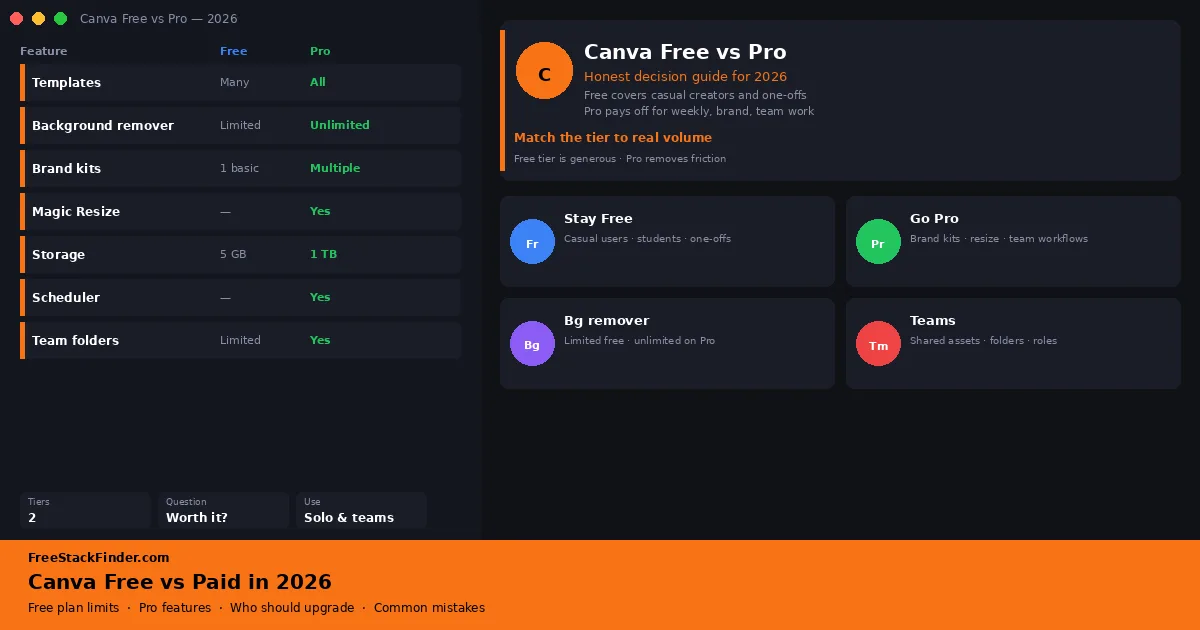
Canva Free vs Pro in 2026: when the upgrade makes sense
See which asset, export, brand, and team-workflow limits separate Canva Free from Canva Pro before paying for an upgrade.
Compare free alternatives to Photoshop, Illustrator, Canva, and other creative tools by exports, watermarks, and plan limits.
These comparisons cover photo editing, vector work, template design, fonts, and stock assets. Export formats, watermarks, commercial-use rules, and template limits matter more here than the length of the feature list.
Where to start
We compare published free-plan limits and note where an upgrade becomes necessary. Page dates change when we materially revise the guidance. How we evaluate · Affiliate disclosure · Report outdated info
8 guides in this category
See which asset, export, brand, and team-workflow limits separate Canva Free from Canva Pro before paying for an upgrade.
Choose a FreeCAD alternative for mechanical design, browser CAD, simple 3D printing, scripted models, or 2D drafting.
Compare Photopea, GIMP, Krita, and Pixlr for PSD editing, layers, illustration, and quick browser-based photo work.
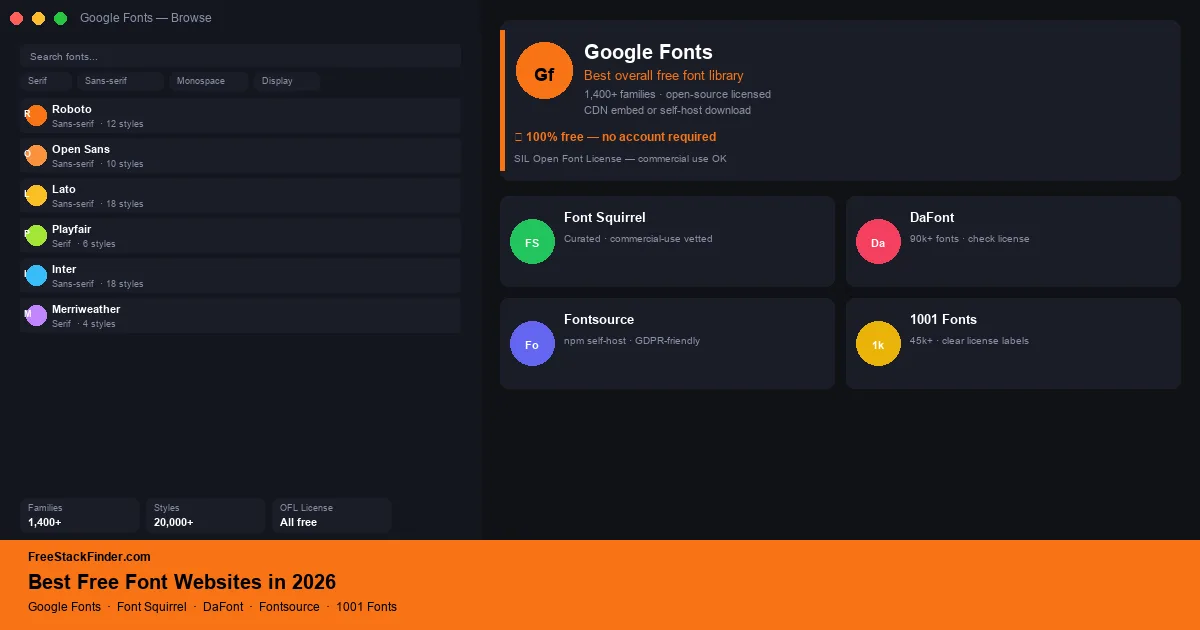
Find fonts for websites, documents, and commercial design while checking each site's license terms, formats, and download process.
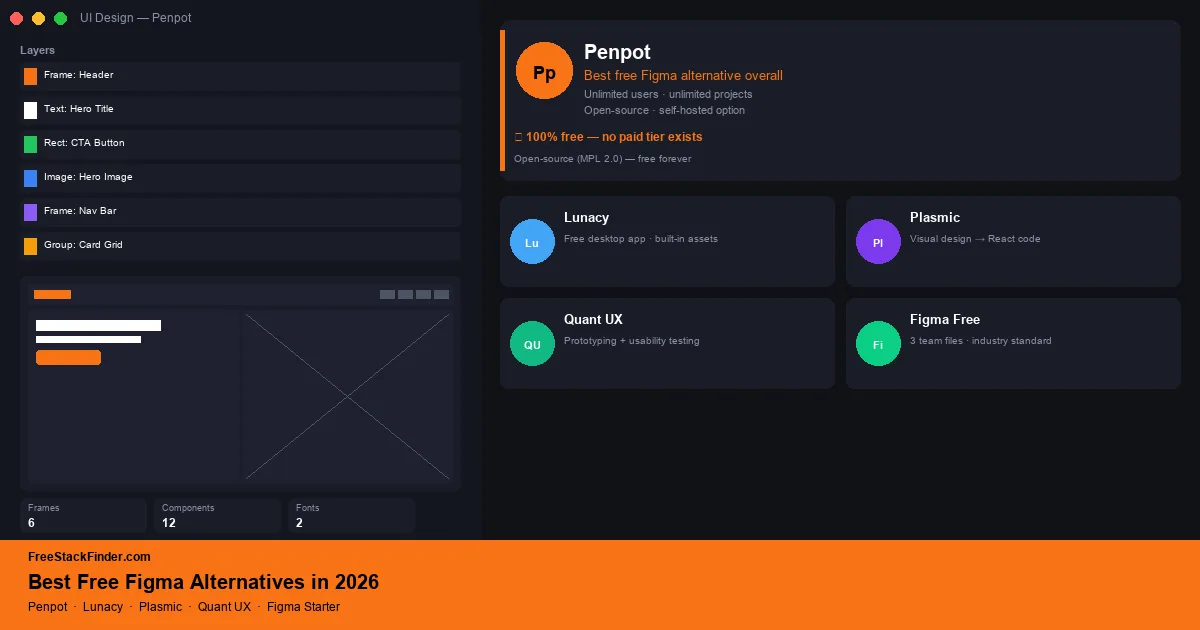
Choose a Figma alternative for UI design, prototyping, collaboration, local files, or an open-source workflow.
Choose among Unsplash, Pexels, Pixabay, Burst, and other free photo libraries by license, attribution rules, and subject coverage.
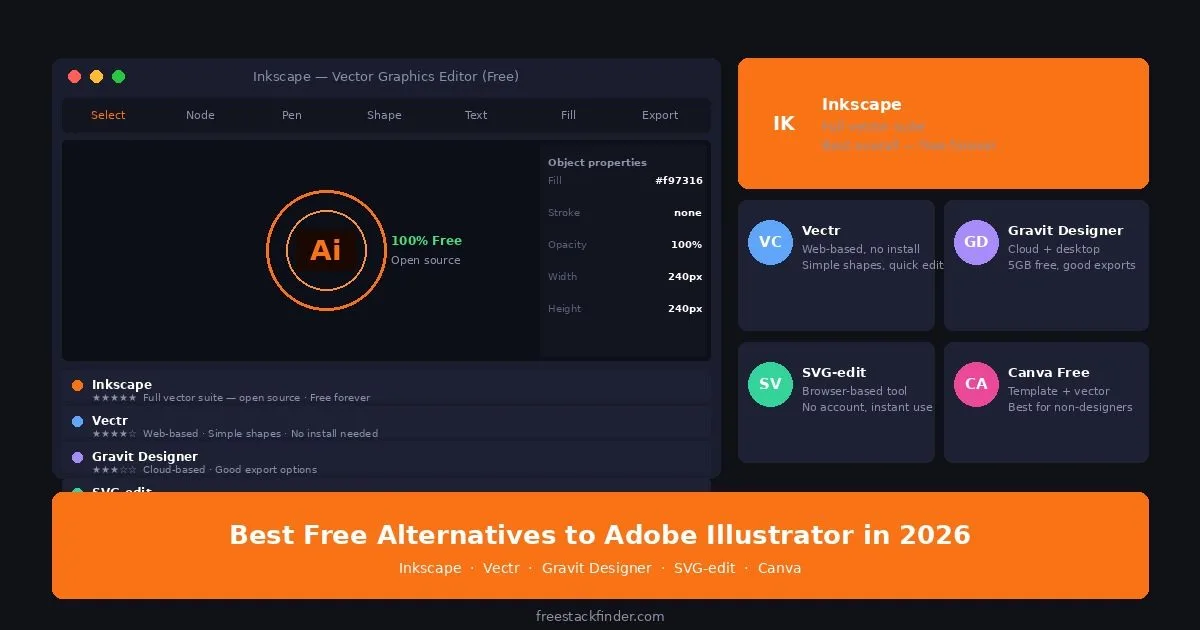
Choose among Inkscape, Vectr, LibreOffice Draw, SVG-edit, and Canva for illustration, diagrams, browser editing, and SVG work.
Choose among Adobe Express, Photopea, Pixlr, Microsoft Designer, and Picsart by templates, exports, editing control, and team needs.