Free analytics tools differ in what they collect, how long they retain it, and who has to maintain the infrastructure. Those differences are more useful than a raw feature count.
The tools below are compared for small websites, blogs, affiliate sites, and side projects. The focus is on what free gives you in practice: traffic volume, data retention, setup complexity, and privacy trade-offs.
Traffic, search, or behavior data
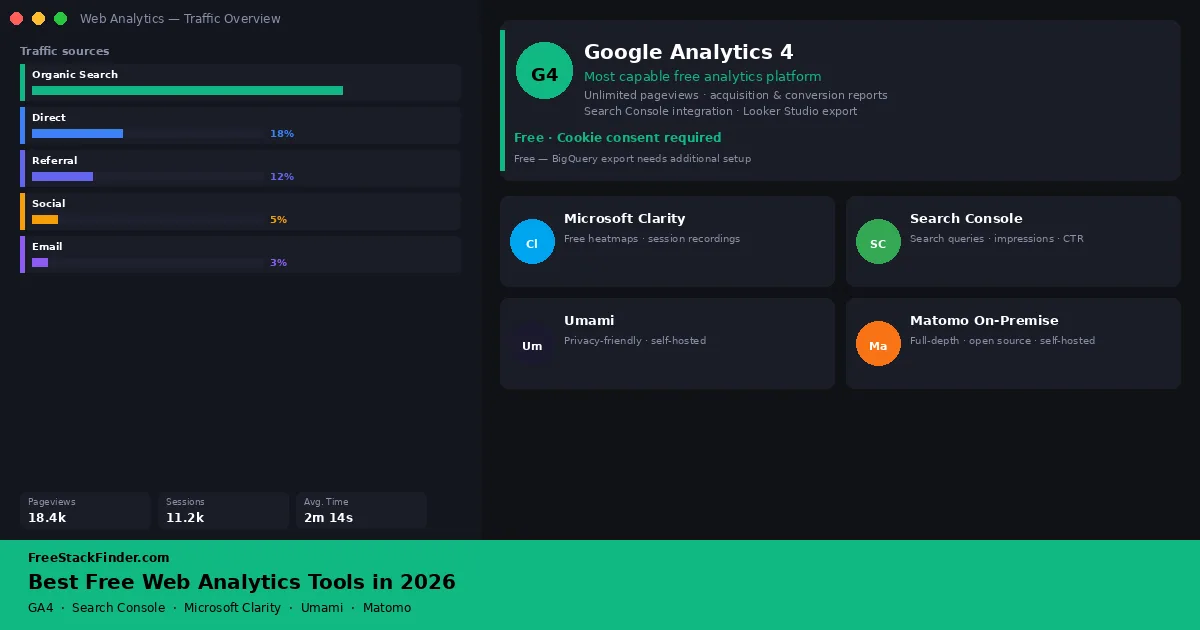
Google Analytics 4 covers traffic, acquisition, events, and conversions at no software cost, but it brings consent and privacy work in many regions. Google Search Console only covers Google Search performance, so use it beside analytics rather than as a substitute. Microsoft Clarity adds heatmaps and session recordings. Choose Umami for a lighter self-hosted setup, or Matomo On-Premise when deeper reporting is worth the extra server and maintenance work.
For a beginner setup, start with the question you need answered. Search visibility points to Search Console. Traffic sources and conversion events point to GA4. Layout confusion points to Clarity. Privacy-friendly dashboards point to Umami, and full self-hosted reporting depth points to Matomo if you can maintain it.
| Tool | Best for | Free plan includes | Main limitation |
|---|---|---|---|
| Google Analytics 4 | Full-featured traffic and conversion analytics | Unlimited pageviews, events, acquisition and behavior reports | Requires cookie consent; limited raw data export on free tier |
| Google Search Console | Search traffic and keyword performance only | Query, impressions, clicks, CTR, Core Web Vitals: unlimited | Search data only; no direct-traffic, social, or referral data |
| Microsoft Clarity | Heatmaps and session recordings alongside GA4 | Unlimited heatmaps, session replays, rage-click and scroll data | No traffic acquisition data; not a standalone analytics tool |
| Umami (self-hosted) | Privacy-friendly analytics without a third-party SaaS dependency | Full open-source platform; all data stays on your server | Requires a server or hosting to run; ongoing maintenance overhead |
| Matomo On-Premise | Detailed self-hosted reporting with full data control | Open-source core platform with no data cap | Premium reports are paid plugins; hosting and maintenance are yours |
Traffic, search, and behavior data answer different questions
Organic search has become harder to read. Zero-click results, AI-generated answers, and increased SERP features mean raw traffic numbers tell less of the story than they used to. But web analytics is still the primary way to answer questions that matter for a small site, which pages are landing pages, where visitors drop off, which sources convert, and whether a publishing push led to a measurable change in behavior.
Major analytics platforms give small sites traffic, acquisition, page, and conversion reports without a subscription. The decision turns on data collection, retention, hosting, and compliance rather than feature count alone.
For most small sites, the practical stack is two or three tools rather than one. Search Console tells you what Google searchers saw before they clicked. GA4 or Umami tells you what happened after visitors arrived. Clarity explains page-level behavior when the numbers alone do not show why users are stuck. Keeping those jobs separate makes setup easier and avoids expecting one free tool to answer every analytics question, especially on a new site with limited traffic and few conversions during the early launch stage.
Five analytics views of the same site
Google Analytics 4
GA4 is Google’s current analytics platform, and the free version has no pageview cap, no seat limit on reporting, and no hard data retention wall for standard reports. The standard data retention window for event data is set to two months by default but can be changed to fourteen months in the admin settings: do this immediately after setup if you want longer historical comparison.
GA4’s free value is breadth: unlimited traffic, acquisition, engagement, and conversion tracking; up to 500 distinct event types per property; Looker Studio integration; Search Console integration; and basic audience and funnel reports. It is the broadest free dashboard for understanding where visitors come from and what they do after they arrive.
The limits are complexity and compliance. Raw event-level export requires BigQuery, which is free within quota limits but adds setup work. Some advanced predictive audiences and modelled conversion features depend on higher data volumes, and there is no SLA or guaranteed support on the free tier. If you are in the EU or targeting EU visitors, cookie consent and consent mode need to be handled correctly.
GA4 fits a site that needs traffic, acquisition, and conversion data in one interface and is comfortable managing the setup. A smaller self-hosted tool can be easier to read, while a behavior tool such as Clarity answers a different set of questions.
Google Search Console
Search Console is not a general-purpose analytics tool: it does not track pageviews, sessions, referrals, or time on page. It reports Google Search queries, impressions, clicks, average position, indexing, and crawl issues. Use it beside GA4, Umami, or another traffic analytics tool.
Search Console is free search intelligence rather than whole-site analytics. It gives query-level clicks, impressions, CTR, and average position for up to 16 months; page-level search performance; index coverage; crawl error reporting; Core Web Vitals field data; and structured data or rich-result validation.
The restriction is scope. Data is aggregated, low-volume queries may be grouped as “other,” and there is no user-level or session-level view. It cannot explain direct, social, referral, or email traffic because it only covers Google Search.
Search Console is useful beside GA4, Umami, or another analytics tool when Google Search matters. It provides Google-reported impressions and click-through rates at the query level.
Microsoft Clarity
Clarity is a free behavior analytics tool from Microsoft. It supplements traffic reports with heatmaps, scroll depth, rage-click signals, and session recordings.
Clarity gives behavior data that traffic dashboards do not: heatmaps, session recordings, rage-click, dead-click, and excessive-scroll detection, basic funnel analysis, GA4 integration, and a dashboard with behavioral insights. Microsoft does not state a session or recording cap, and the product has remained free since launch.
The limitation is that Clarity does not report acquisition sources, pageview counts by channel, or traditional conversion data in the way GA4 does. It is a companion to analytics, not a replacement. Session recordings may also auto-expire over time.
Clarity fits sites that need to understand layout and UX performance without paying for Hotjar or FullStory. It pairs naturally with GA4 because you can move between session recordings and traffic data when diagnosing why a page underperforms.
Umami (self-hosted)
Umami is an open-source, privacy-focused analytics platform. It is cookieless by default, collects no personally identifiable information, and stores all data on your own server. The self-hosted version is free to run; there is also a paid Umami Cloud option for teams that do not want to manage infrastructure.
Umami’s self-hosted free value is simple privacy-friendly traffic reporting: unlimited websites, unlimited pageviews, event tracking, referral and source data, real-time visitor view, multi-user access, custom domains, and no external data sharing.
The cost is infrastructure. You need a server or hosting environment, and ongoing maintenance such as upgrades, backups, and uptime is your responsibility. Reporting depth is lighter than GA4, with no built-in funnel analysis or session recording.
Umami fits developers and technically confident site owners who prioritize privacy compliance and do not want to use Google’s infrastructure. Cookieless tracking may reduce consent-banner complexity depending on your legal context, and the interface is easier to read than GA4 for basic traffic patterns.
Matomo On-Premise
Matomo On-Premise is an open-source analytics platform that runs on your own server. Its free core includes traffic and visitor reports, goals, ecommerce tracking, Tag Manager, APIs, and raw-data access without a hosted-service data cap.
Some of Matomo Cloud’s headline features are not part of the free On-Premise download. Funnels, cohorts, custom reports, and heatmaps with session recordings are sold as premium On-Premise plugins. The distinction matters when comparing Matomo’s core download with a managed Cloud package.
The setup is more involved than Umami. Matomo requires PHP, a MySQL or MariaDB database, and a server sized for the site’s traffic. It also leaves updates, backups, security, and database maintenance to the site owner.
Matomo fits teams that need detailed reporting and full data sovereignty and have someone comfortable maintaining it. Check whether each required report is in the open-source core or a paid plugin before choosing it over GA4 or Umami.
Compare traffic, search, behavior, and ownership
| Tool | Type | Cookieless | Self-hosted | Traffic data | Heatmaps | Search data |
|---|---|---|---|---|---|---|
| Google Analytics 4 | Cloud, free | No | No | Full | No | Via GSC |
| Google Search Console | Cloud, free | Yes | No | Search only | No | Yes |
| Microsoft Clarity | Cloud, free | No | No | No | Yes | No |
| Umami | Open source | Yes | Required | Core | No | No |
| Matomo On-Premise | Open source | Optional | Required | Detailed | Paid plugin | No |
When free analytics is enough
Free analytics is enough when:
- You run a blog, content site, or small business website and do not need a support SLA
- You need traffic source, page performance, and basic conversion data
- You are comfortable with GA4’s setup complexity and cookie consent management
- Or you want privacy-friendly analytics and have the technical ability to self-host Umami
When to consider a paid option:
- You need guaranteed data retention beyond what the free tier provides without configuration
- You need customer-level analytics or CRM-linked attribution (requires paid tools like Mixpanel or Amplitude)
- You run a SaaS product where you need event-stream analytics at scale (product analytics, not website analytics)
- You need formal SLA, dedicated support, or compliance certifications your legal team requires
Product analytics versus website analytics: Tools like Mixpanel, Amplitude, and PostHog target SaaS and app teams tracking feature usage within a logged-in product. They are a different category from the website analytics tools above. PostHog has a generous free tier for product analytics if that is your context.
Pair search data with one traffic tool
For most small websites, Google Analytics 4 and Google Search Console cover traffic sources, landing pages, queries, and conversions without a usage cap they are likely to hit. Add Microsoft Clarity for heatmaps and session recordings.
If cookie consent or privacy requirements drive the decision, Umami self-hosted is the practical starting point. It is lighter to run than Matomo and carries no software fee when you already have hosting.
Matomo On-Premise is worth the effort if you need GA4-depth reporting without relying on Google infrastructure, and you have someone comfortable managing a PHP application long-term.
For more tools to run a lean, free-plan-based website operation, see the guides on free website builders, free project management software, and free CRM software.