Standard flowcharts and network diagrams do not require Visio’s web or desktop plans, or the Microsoft 365 administration that comes with them. Check Microsoft’s current Visio plans when price or desktop access determines the choice.
Free diagramming tools now cover flowcharts, org charts, network diagrams, and entity relationship diagrams. The tradeoffs are document limits, storage caps, smaller template libraries, and weaker Visio file compatibility. Those limits matter more than the feature count for a team that exchanges diagrams with Visio users.
File compatibility narrows the choice
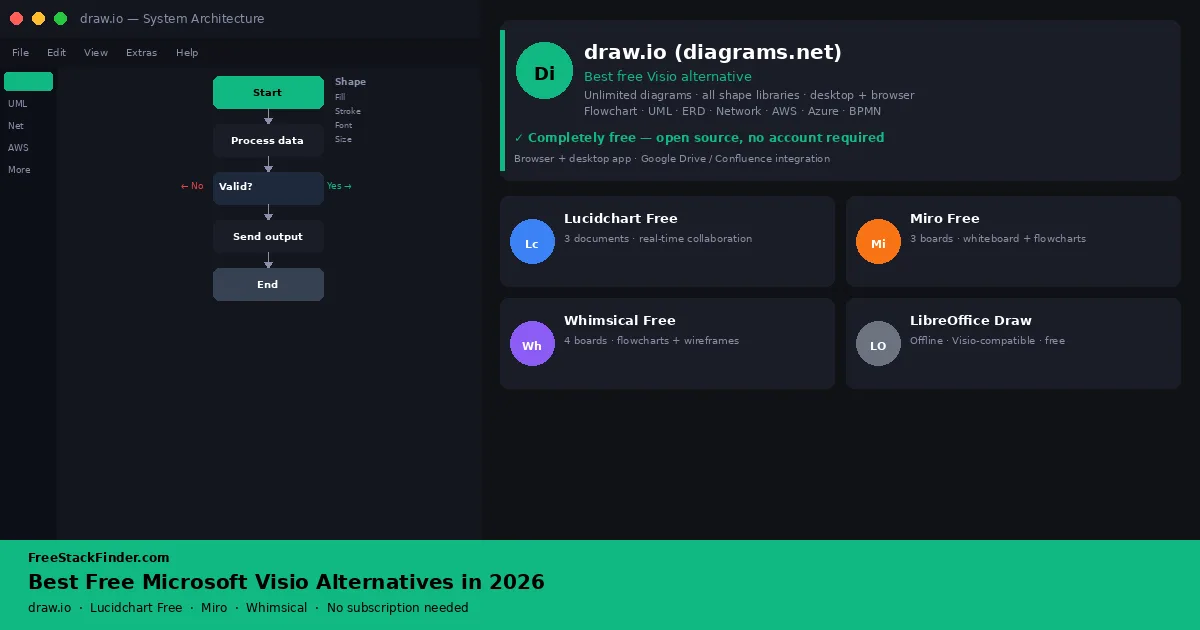
draw.io (diagrams.net) covers flowcharts, org charts, network diagrams, database diagrams, and Visio-style technical shapes without a document cap. Lucidchart Free offers a guided cloud editor as long as its three-document cap is workable. Miro Free fits collaborative whiteboards and lightweight process maps. Whimsical Free suits wireframes and product flows, but its monthly object allowance is small.
Anyone who receives .vsdx files should try draw.io first, since it imports them. If you mainly need to build new diagrams with a small team, collaboration and export options matter more than matching Visio exactly.
| Tool | Best for | Free plan | Main limitation |
|---|---|---|---|
| draw.io (diagrams.net) | Fully featured Visio replacement | Unlimited diagrams, all shape libraries, cloud or desktop | No built-in real-time collaboration on desktop |
| Lucidchart Free | Cloud-based collaboration on a small team | Up to 3 editable documents | Three-document cap; limited shape libraries |
| Miro Free | Collaborative whiteboarding and simple diagrams | 3 editable boards, unlimited viewers | Not suited to technical or network diagrams |
| Whimsical Free | Flowcharts, mind maps, and wireframes | Unlimited boards, 50 new board objects/month | 50-object allowance; watermarked exports; 7-day history |
Browser collaboration changed the diagramming market
Visio is the default choice in enterprise environments where IT departments, architects, and project leads create and circulate complex technical diagrams. Outside those environments, diagramming work tends to be one of four jobs:
- map a process or workflow as a flowchart
- sketch an org structure or team layout
- diagram a system architecture or network topology
- produce a database entity relationship diagram
Visio does all of those well. So does draw.io, for free, with no seat limit and no export restrictions. The gap between Visio and its best free alternatives is smaller than the price difference suggests.
There are legitimate reasons to stay on Visio: your organization uses SharePoint deeply, you need Visio-native file formats shared across a large team, or you are working with diagrams that already exist in .vsdx format. For everyone else, the tools below are worth evaluating first.
Four diagramming tools and one desktop fallback
1. draw.io (diagrams.net): best overall free Visio alternative
Best overalldraw.io is the closest free replacement for Visio because it covers both simple business diagrams and technical shape libraries. The open-source tool runs in a browser, as a desktop app for Windows, Mac, and Linux, and inside Confluence, Jira, Notion, and Google Workspace.
Its free feature list is unusually broad:
- Unlimited diagrams and shapes
- All shape libraries, including network, AWS, GCP, Azure, flowchart, BPMN, UML, and org chart shapes
- Desktop app (no account required)
- Google Drive, OneDrive, Dropbox, GitHub, and Confluence integrations
- Export to SVG, PNG, PDF, and XML
.vsdximport support for existing Visio files
The compromises are more about the collaboration experience than core features:
- The desktop app is single-user; files in shared cloud storage do not provide the same live editing experience as a collaborative canvas
- Limited guided templates for first-time users unfamiliar with diagramming concepts
Flowcharts, org charts, network diagrams, architecture sketches, ERDs, and anything where export formats matter all fit, especially for solo users, freelancers, IT professionals, and small teams that save diagrams to shared cloud storage.
There is no paid tier, document cap, watermark, or expiring trial. The interface takes some time to learn, but the feature range is broad enough for most practical Visio use cases.
Try draw.io (opens in a new tab)
2. Lucidchart Free: best for cloud-based team collaboration
Lucidchart puts collaboration first, with presence indicators, comments, and simultaneous editing that are easier to find than in draw.io. The free tier is capped, though.
The free tier gives you:
- Up to 3 editable documents, with up to 60 shapes in each
- Basic flowchart, org chart, and process shapes
- Real-time collaboration with up to 5 collaborators
- Google Drive and Microsoft 365 integration
- Basic export (PNG, PDF)
The limits arrive quickly if diagrams become part of daily work:
- More than 3 documents or 60 shapes in one document
- Visio import and export, which start on the paid Individual plan
- Advanced shape libraries (AWS, network, ERD, BPMN) without upgrading
- Version history and advanced collaboration features
That suits a small team that diagrams together in real time and only needs a few active files: a process map, an org chart, or a client workflow. For network diagrams, system architecture, or a growing library of files, the three-document cap becomes the deciding constraint.
Treat the free plan as an evaluation path or a lightweight collaboration space, not as an unlimited Visio replacement.
Try Lucidchart Free (opens in a new tab)
3. Miro Free: best for collaborative whiteboard diagramming
Miro starts from a whiteboard rather than a diagram canvas, so its strength is live group work: flowcharts, mind maps, planning, brainstorming, and workshops. It is not built for detailed technical diagramming or Visio file exchange.
The free workspace includes:
- 3 editable boards (unlimited viewers)
- Flowchart, mind map, and basic diagram templates
- Real-time collaboration
- Integrations with Jira, Asana, Slack, and Google Drive
- Basic export to JPG and PDF
The limits matter when diagrams need precision:
- More than 3 editable boards
- The precision and shape library depth needed for technical or network diagrams
- Version history on free boards
Process mapping, retrospectives, user journeys, workshops, and rough flowcharts suit it when collaboration matters more than exact shape libraries. Network diagrams, formal architecture maps, and export-heavy technical documentation do not.
If your team already uses it for workshops or planning, its diagramming features are worth using for simple flows before adding another tool.
Try Miro Free (opens in a new tab)
4. Whimsical Free: best for wireframes and flowcharts
Whimsical trades range for speed. It is narrower than draw.io but easier for non-technical users who need a clean flowchart or wireframe quickly.
The free tier covers:
- Unlimited boards, docs, teams, and guests
- Up to 50 new board objects and 50 new document blocks per month
- Flowcharts, mind maps, sticky notes, wireframes, and tables
- Public share links for viewing, commenting, and editing
- File uploads up to 5MB each, with 1GB total storage
The boundaries are clear:
- More than 50 new board objects or 50 document blocks in a month
- Network, UML, ERD, or AWS diagram support
- Exports carry a Whimsical watermark, and version history is limited to seven days
User flows, wireframes, mind maps, and simple decision diagrams are its territory. Designers, product managers, founders, and non-technical teams get more from it than people who need Microsoft compatibility or technical diagramming depth. The monthly object allowance suits occasional flows and wireframes better than dense, ongoing diagram work.
Try Whimsical Free (opens in a new tab)
Tools to know about but not lead with
LibreOffice Draw is part of the LibreOffice suite and handles basic flowcharts, network diagrams, and simple Visio-compatible output without a subscription. It is less suited to complex technical diagrams than draw.io. Choose it when offline desktop use and Visio import matter more than browser collaboration.
Cacoo has a free plan with limited diagrams and fewer shape libraries than Lucidchart. It is a reasonable alternative if Lucidchart’s interface does not suit your workflow, but the free tier is narrow.
Microsoft Visio Viewer is free but only lets you view .vsdx files: it does not let you create or edit. Worth knowing if you receive Visio files from colleagues but are not creating your own.
Match the tool to the diagram
Solo user or freelancer: Start with draw.io when the work involves flowcharts, network diagrams, org charts, or other supported shape libraries. It has no document cap, but a .vsdx exchange should still be tested with a representative file.
Small team that diagrams together: Use Lucidchart Free if the three-document limit is workable, or draw.io with shared cloud storage if you need more files.
Product or UX team: Whimsical Free works for occasional wireframes and user flows within its monthly object allowance. For technical diagrams, move to draw.io.
Team already using Miro: Lean on Miro’s built-in flowcharting before switching tools for simple diagrams.
When a free diagramming tool is no longer enough
Free diagramming tools tend to hit their limits in one of three situations:
- your team outgrows document or board caps and starts losing work to the limit
- you need advanced shape libraries (AWS, Azure, GCP, BPMN, UML) that need a paid tier
- you need version history, admin controls, and audit logs for compliance or governance
draw.io has no document cap and no paid shape libraries. Lucidchart and Miro limit active documents or boards, while Whimsical limits the new objects and blocks created each month.
Those caps lift at similar prices, and Visio’s own web plan costs less than any of the paid upgrades. Figures are US list prices, read from the vendors’ sites during September 2026:
| Tool | Upgrade | Price | Lifts or adds |
|---|---|---|---|
| draw.io | None for the web app | Free | Every shape library and export is already free |
| Lucidchart | Individual | $9 a month billed yearly | Unlimited documents and shapes, Visio import and export, premium shape libraries, 1 GB of storage |
| Miro | Starter | $8 per member a month billed yearly | Unlimited and private boards, visitor access controls |
| Whimsical | Pro | $10 per editor a month billed yearly | Unlimited board objects and doc blocks, exports without a watermark, 90-day version history |
| Microsoft Visio | Visio Plan 1 | $5 per user a month, paid yearly | Visio in the browser and Teams, native .vsdx files |
| Microsoft Visio | Visio Plan 2 | $15 per user a month, paid yearly | Adds the Visio desktop app |
A team that exchanges .vsdx files every week may find Visio Plan 1 cheaper than a Lucidchart seat, while a team that only needs more boards or objects can stay with the tool it already uses.
Let the exchange format decide
The file you exchange most often is the tiebreaker. Teams that trade .vsdx files with Visio users need an editor that imports them, which points to draw.io, tested first with one representative file. Teams that only share PNG or PDF exports can choose on collaboration instead, where Lucidchart’s three documents and Miro’s three boards are the limits to plan around.
A diagram documents a process, while the work itself runs in a project management tool or a CRM. Diagrams exported for slides and reports end up in an office suite, compared in the free Microsoft Office alternatives guide.