Team size now decides the free tier
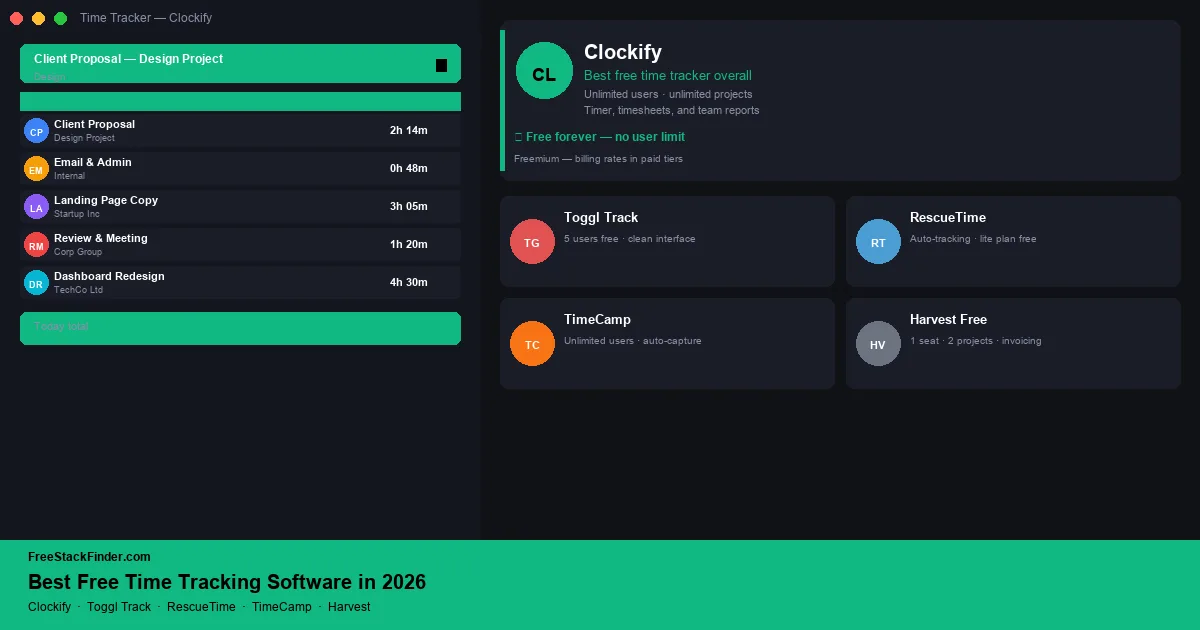
Pick Clockify when a team of up to five people needs shared projects and timers. Toggl Track suits an individual who values a quick browser timer, while RescueTime Lite records desktop activity in the background instead of relying on manual starts and stops. Paid plans become relevant for larger teams, approvals, payroll links, client reports, and administrative controls.
Freelancers should choose based on whether they need clean personal timers or invoices from tracked work. Agencies should look harder at project, client, and reporting limits. Teams need to know whether every person can track time for free, because per-seat pricing is where paid time tracking gets expensive quickly.
Timers are usually free; administration is not
Time-tracking plans often leave timers free and charge for approvals, billing rates, invoicing, or administration. Harvest’s free plan is limited to one seat and two projects, while Toggl Track’s free plan supports up to five users. A team should compare those caps before choosing a tool that later charges per seat.
Most time trackers leave timers and basic reports free, then charge for billing rates, invoicing, and team-wide reporting. Those gates matter less when a freelancer invoices elsewhere or a small team needs only time logs. The options below are ongoing free plans rather than trials.
Five time trackers and their free boundaries
1. Clockify: shared tracking for up to five users
Clockify is a web-based time tracker from Cake.com. Its current free-plan documentation lists unlimited tracking and projects for up to five users.
What you can track for free:
- Up to 5 users
- Unlimited projects, clients, and tasks
- Manual time entry and timer mode
- Weekly timesheet view
- Reporting (summary, detailed, and weekly reports)
- Team time tracking: see all team members’ hours
- Browser extension (Chrome, Firefox, Edge)
- Desktop apps (Windows, macOS, Linux) and mobile apps
- Integrations with Trello, Asana, Jira, GitHub, and others
Where the billing limits appear:
- Billing rates and revenue tracking are locked to paid plans
- Invoicing from tracked time requires paid
- Scheduled reports require paid
- Time off and attendance tracking require paid
- GPS tracking requires paid (field teams)
Clockify Free fits freelancers and teams of up to five people that need shared time logs across multiple projects and use a separate invoicing tool.
Free-plan boundary: Clockify covers timers and projects for up to five users. Its pricing page also limits free report ranges to one month, so teams that need longer reporting windows or a sixth active user have an upgrade decision.
2. Toggl Track: best for individuals who want the cleanest interface
Toggl Track centers its workflow on a one-click timer across web, desktop, mobile, and browser extensions. Its free plan covers individuals and teams of up to five people.
What you can track for free:
- Up to 5 users
- Unlimited time entries
- Unlimited projects and clients
- One-click timer from the web, desktop, or browser extension
- Basic reporting (summary view)
- Pomodoro timer mode
- Calendar integrations (see tracked time alongside calendar events)
- 100+ app integrations via browser extension (automatic tracking suggestions)
Where you may outgrow it:
- 5-user cap means most teams outgrow the free tier quickly
- Billing rates and revenue reports require a paid plan
- Scheduled PDF reports require paid
- Project profitability tracking requires paid
Toggl Track fits solo freelancers, consultants, and small teams that want a focused timer. Its browser extension can detect the app or website in use and suggest a matching project.
Solo workflow: Toggl Track centers the one-click timer, daily timeline, and calendar integration. Choose it for individual time capture. Clockify is the better fit when team reporting and broader project controls matter.
3. RescueTime Lite: best for automatic background time tracking
RescueTime Lite is the free desktop tier. It records time spent in apps and websites without requiring manual timer starts; RescueTime’s iOS app requires a paid plan.
What you can learn for free:
- Automatic time tracking (no manual entry required)
- Activity reports: apps and websites tracked by category
- Weekly email report of time spent
- Basic productivity score
- Reports cover the most recent two weeks
The practical limit:
- Distraction blocking and Focus Sessions require a paid plan
- Goals and alerts require paid
- Detailed category customization requires paid
- Report history beyond two weeks requires paid
RescueTime fits people who want automatic activity records instead of starting and stopping a manual timer. It is intended for personal time awareness rather than client billing.
What it measures: RescueTime records application and website activity instead of asking for a project timer. It can show time split between focused work, email, and browsing, but it does not replace client billing records.
4. TimeCamp: unlimited users and top-level projects
TimeCamp is a cloud-based time tracker whose current plan comparison includes unlimited users, unlimited top-level projects, manual entry, automatic tracking, and weekly timesheets on Free.
What you can track for free:
- Unlimited users
- Unlimited top-level projects; tasks and subtasks require paid
- Manual and automatic time tracking (desktop app detects apps and URLs)
- Weekly timesheets and PDF report exports
- Integrations with Trello, Asana, Jira, and others
Where you may outgrow it:
- Invoicing and billable time require paid
- Budget tracking and project profitability require paid
- Attendance, time off, and approvals require paid
- SSO and priority support require paid
TimeCamp Free fits teams that need many people to log time against a flat list of projects and can handle invoicing elsewhere.
Combined workflow: TimeCamp removes the user cap found in Clockify and Toggl Track, but the free project structure stops at one level. Tasks, invoicing, attendance, and approvals sit on paid plans.
5. Harvest: best free plan for solo freelancers with built-in invoicing
Harvest is a time tracker that turns entries into invoices and accepts client payments. The free tier stops at one seat and two active projects.
What you can track for free:
- 1 seat (solo use only)
- 2 active projects at a time
- Unlimited invoicing from tracked time
- Expense tracking
- Payment via Stripe and PayPal
- Reporting on time and budget per project
The practical limit:
- 1-seat and 2-project limits make it unusable for teams or high client volumes
- Advanced team reporting requires a paid plan
- More than 2 active projects at once requires paid
Harvest Free fits a solo freelancer with no more than two active projects who wants tracked time to become invoice line items in the same tool.
Billing workflow: Harvest turns time entries into invoice line items, supports payment reminders, and lets clients pay from the invoice. The free plan fits a very small roster where billing workflow matters more than tracking volume.
Compare user caps, tracking, and billing
| Tool | Users | Projects | Auto-tracking | Invoicing | Best for |
|---|---|---|---|---|---|
| Clockify | ⚠️ 5 max | ✅ Unlimited | ✅ Yes | ❌ No | Small teams, multi-project freelancers |
| Toggl Track | ⚠️ 5 max | ✅ Unlimited | ⚠️ Suggestions only | ❌ No | Solo freelancers, clean interface |
| RescueTime Lite | ✅ 1 (desktop) | Auto-detected | ✅ Yes | ❌ No | Two-week productivity review |
| TimeCamp | ✅ Unlimited | ✅ Top-level only | ✅ Yes | ❌ No | Larger teams with simple project lists |
| Harvest | ⚠️ 1 seat | ⚠️ 2 active | ❌ No | ✅ Full | Solo freelancer who invoices from tracked time |
When free time tracking is enough and when to pay
Free time tracking covers all core use cases for solo freelancers and small teams: logging hours, generating time reports, tracking time by project and client, and creating basic invoices. The paid tiers become relevant when you need billing rates and profitability reports across a team (Clockify Paid, Toggl Starter), advanced budgeting and forecasting (Harvest’s team features), or enterprise features like SSO and compliance exports.
For a freelancer or small team, Clockify Free or Toggl Track Free can cover timers and basic reports. The time-to-invoice step can be handled by a separate free invoicing tool: see our guide to free invoicing software in 2026 for options that pair with a time tracker.
For teams running multiple concurrent projects, Clockify can sit alongside free project management software until its five-user cap becomes a problem. If those hours are tied to leads, clients, or deal stages, a free CRM tool helps keep the customer side organized before the work turns into an invoice.
Separate time capture from billing
Choose Clockify for up to five users who need shared projects and timers. Toggl Track is the cleaner individual-use pick, while TimeCamp accommodates more users if a flat project list is enough. Harvest makes more sense when one freelancer wants time entries and invoicing in the same account.
If you are also managing employee schedules and leave alongside time tracking, see our free HR software guide: tools like Homebase combine scheduling and time tracking in one free plan.